
WiFi Router Speed Hack: Does your Wi-Fi speed slow down again and again? Is the problem still there after changing internet plan? Know 4 such important settings of the router, which can improve the network performance and boost the internet speed easily.
In today’s time, Internet has become our everyday necessity. Be it online meeting, video streaming or gaming, apart from all this, people’s AC, lights and fans everything remains connected to WIFI. In today’s time, fast Wi-Fi is necessary for every technical work. Many times people blame the internet plan, whereas the problem lies in the wrong settings of the router. If Wi-Fi speed is low in your home or office, then you can improve the network performance by changing some important settings of the router. Let us know about these 4 settings which can help in increasing the speed of Wi-Fi.
Select the correct Wi-Fi channel
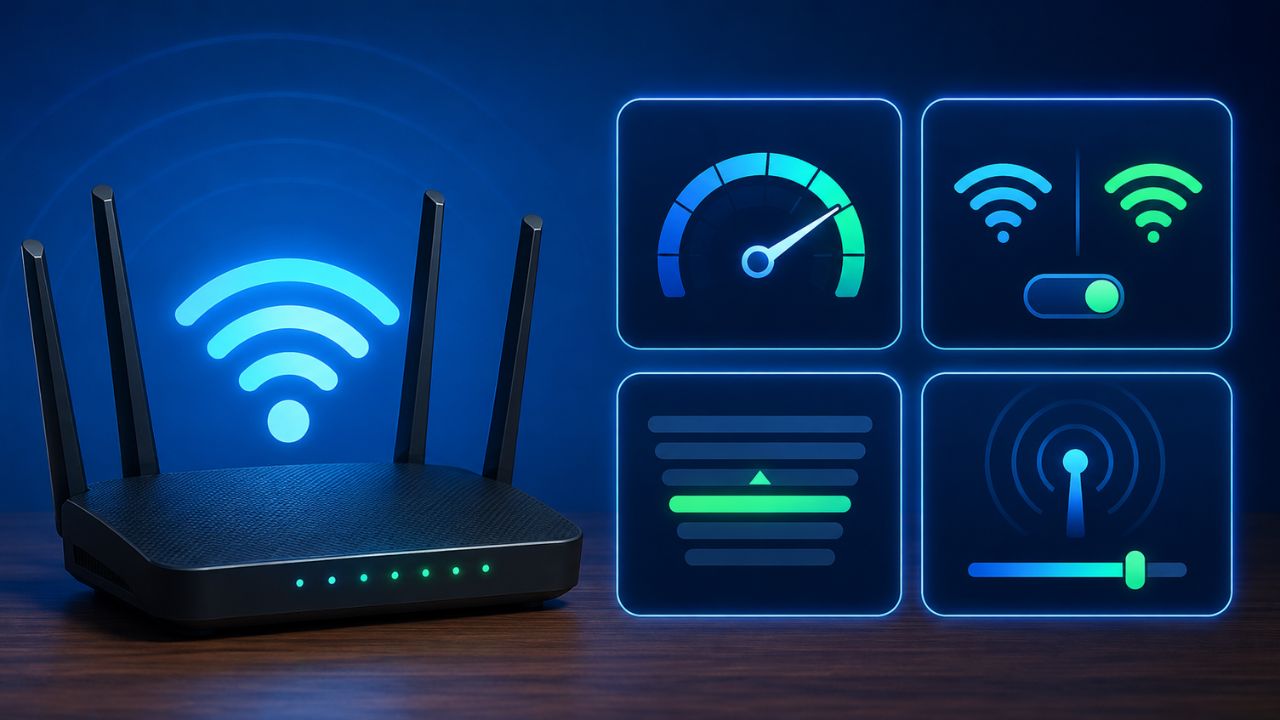
Most routers are set to an automatic channel, but multiple nearby networks tend to use the same channel. This increases network congestion and reduces speed. By going to the settings of the router and choosing a less crowded channel, signal interference is reduced and the internet works better.
Read this also- AC Outdoor Unit Installation Tips: Where should the outdoor unit of AC be installed? roof, wall or balcony
Activate 5GHz band
If your router supports dual-band, use the 5GHz band along with the 2.4GHz one. 5GHz band gives higher speed and also has less interference. Especially for HD video streaming, online gaming and large file downloads, it is considered a better option.
Keep your router’s firmware updated
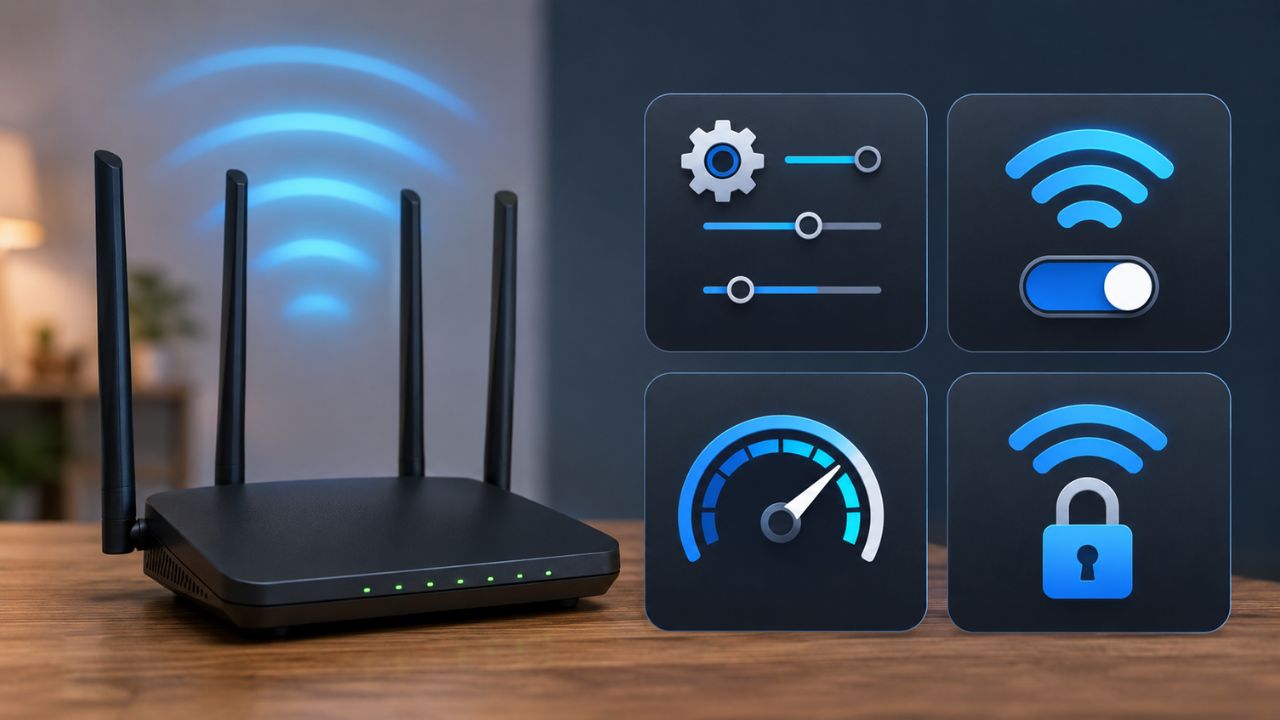
Router manufacturers release firmware updates from time to time. These updates include security checks as well as changes that improve network performance. Outdated firmware can sometimes cause speed and connectivity issues. Therefore it is important to check regular updates.
Configure QoS settings
The QoS (Quality of Service) feature lets you prioritize Internet traffic. With its help, you can give more bandwidth to important tasks like video calls, online classes or gaming. Due to this, the speed and stability of the network remains better during important tasks.
Read this also- Laptop Screen Cleaning Tips: Smart tricks to clean the dirt accumulated on the laptop screen, do not make this mistake otherwise the display will get spoiled.