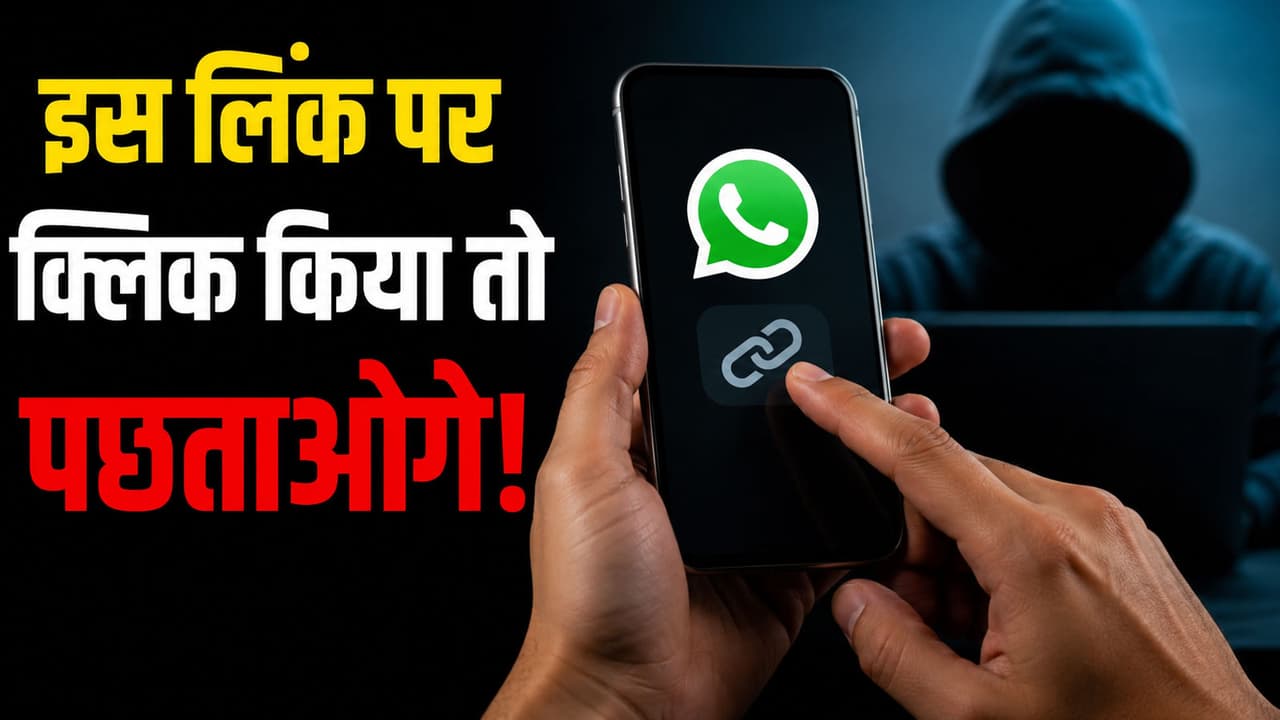
Phone Hack Link: What kind of links on WhatsApp are dangerous? How does a mobile get hacked by clicking on a suspicious link? Can hackers steal money from my bank account? What is the first thing to do if you accidentally click on a link?
Mobile Hack Safety Tips: Nowadays, most people keep using WhatsApp throughout the day. From morning ‘Good Morning’ messages to office work and gossip groups with friends, WhatsApp has become a part of life. But do you know that a small carelessness on your part can give control of your entire mobile into the hands of an unknown hacker? These days, a dangerous link is circulating in WhatsApp groups, on which your entire phone can be hacked with just one click. Let us know how this scam is happening and how you can avoid it…
What is this dangerous link?
Hackers are very clever these days. They do not directly attack your phone, but instead lure you. Nowadays, such messages are being shared indiscriminately in WhatsApp groups, ‘Government is giving free recharge of ₹ 5000 to everyone, click on this link immediately!’, ‘You are getting a free gift from this renowned company, stock is limited!’, ‘A courier in your name has arrived, open the link given below to check the status.’ There is a small link below these messages. As soon as a user clicks on it, a coding or virus becomes active in the background which secretly transfers all the access to the phone to the hacker.
What happens on the phone when you click on these links?
As soon as you open that link, the hacker can turn on your phone’s camera and listen to your conversation. The information about banking apps, passwords and UPI PIN present in your phone reaches the hacker directly. The most dangerous thing is that the OTP of the bank coming on your number is also read by hackers, due to which they can withdraw money from your account without your consent.
How to avoid these fake links?
- Nothing is completely free on the Internet. If any message is claiming you a huge prize or free recharge, then understand that it is completely fake.
- Links to genuine websites start with https:// and have the company name spelled correctly. If the link looks strange (like bit.ly/xyz or free-recharge-offer.com), do not touch it at all.
- If a message in a group has come with the tag ‘Forwarded Many Times’, do not trust it blindly.
- Go to the settings of your WhatsApp and immediately turn on Two-Step Verification. This makes your account more secure.
- If any of your friends or relatives have unknowingly sent such a link to the group, call them immediately to alert them that their account or phone may be in danger.
What to do if clicked by mistake?
- Switch off your phone’s internet (Mobile Data or Wi-Fi) immediately, so that the hacker stops getting the data.
- Go to the phone’s settings and see if any unknown apps have been downloaded recently. If so, uninstall it immediately.
- Change the passwords and UPI PIN of your important banking apps.
- Take a backup of your important data and ‘Factory Reset’ (completely clean) the phone.