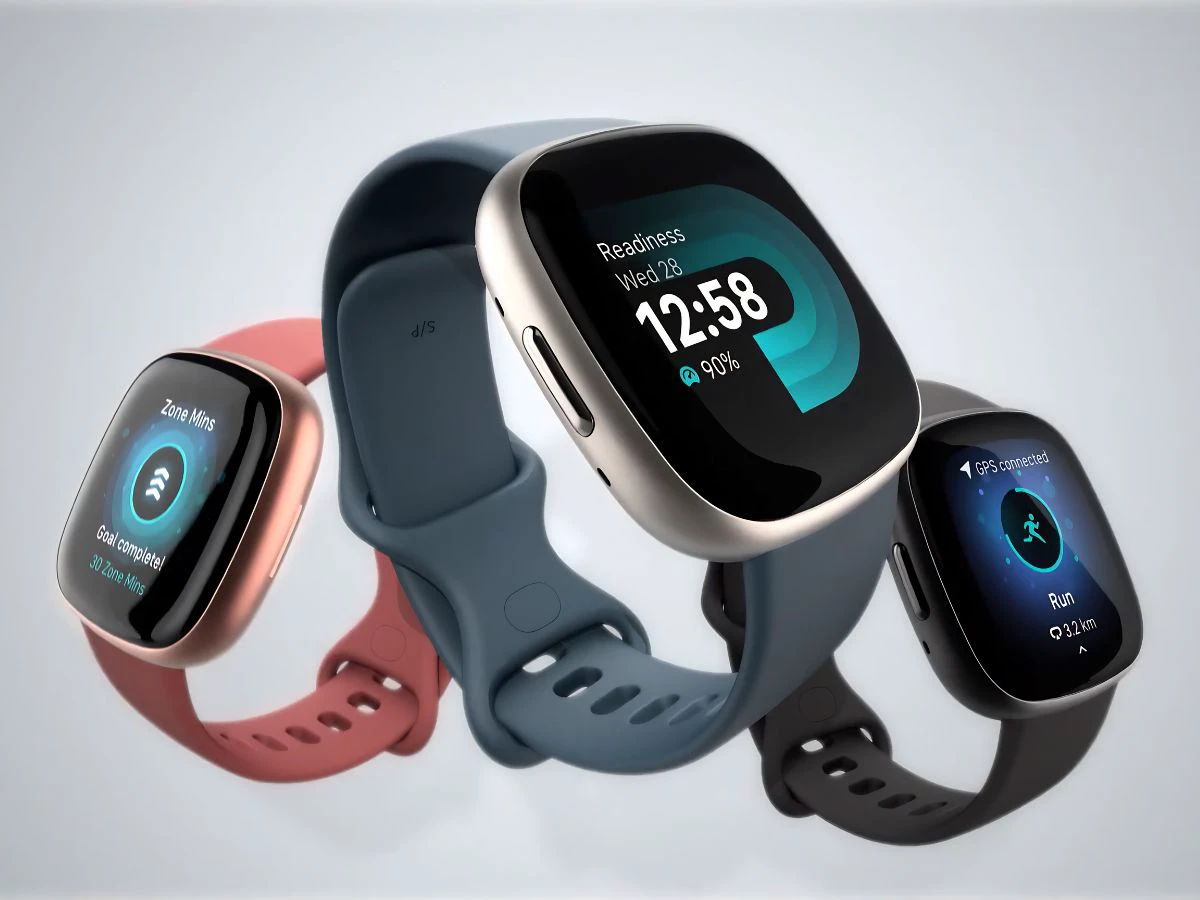
There has been a lot of chatter around Fitbit lately, especially after reports suggested that Google could be shifting its focus towards something called Google Health.
While the brand itself is not going away immediately, things are clearly changing in how Fitbit works behind the scenes.For users, this mostly comes down to one important thing right now — moving your Fitbit account to a Google account. There is a deadline attached to it, and missing it could mean losing access to your data.
What’s happening with Fitbit
Fitbit has already been part of Google for a while now, but the transition has been slow. New users have needed a Google account since 2023, while older users could still continue with their existing Fitbit login.That is now changing. Google is asking all existing users to move their accounts, bringing everything under one system. At the same time, reports suggest that Fitbit services, especially premium features, could eventually shift under a new Google Health branding.Some listings have already shown names like “Google Health Premium”, although this has not been fully rolled out yet. So while Fitbit hardware may continue, the services around it could look different going forward.
Deadline you should not ignore
If you are still using an older Fitbit account, there is a timeline you need to keep in mind. Users have until May 19, 2026 to move their accounts to Google.If you don’t do this, you may lose access to your existing data, including activity history, sleep records, and other health stats. Google has said that data deletion will begin later, around mid-July, giving a small window to download your data if needed.
How to move your Fitbit account
The process is pretty simple and you can do it from the Fitbit app itself.
- Open the app and sign in with your existing Fitbit account.
- Then go to Settings, where you’ll find the option to move your account.
- Just follow the steps shown on the screen and it should be done in a few minutes.
If you change your mind while doing it, you can still cancel before the last step. But once the transfer is completed, there’s no option to undo it.
What changes after moving
After shifting to a Google account, you will use a single login for your devices and apps. Google has also said that Fitbit health data will remain separate from its advertising systems and will not be used for ads.At the same time, this move also hints at a bigger shift. Google has already started bringing Fitbit features into its own ecosystem, especially with devices like the Pixel Watch. With these changes rolling out, you’ll likely start noticing more updates in how Fitbit services are named and how they connect with Google’s ecosystem.