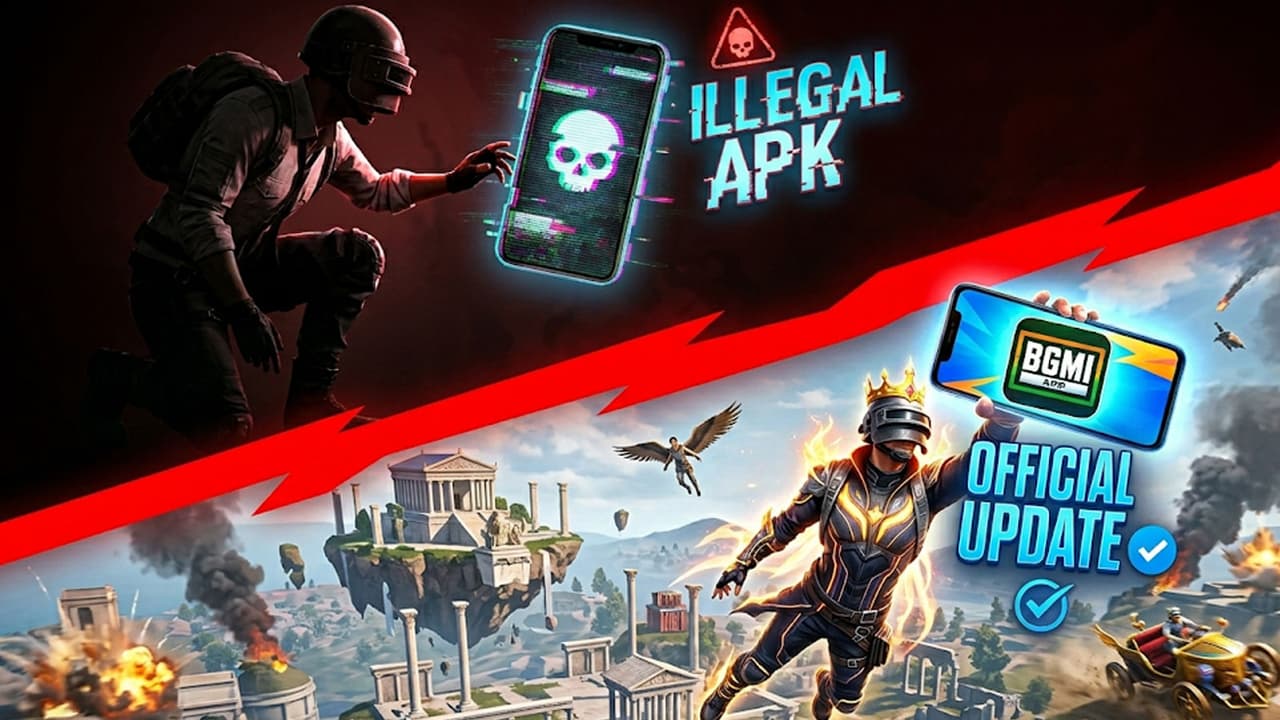
BGMI 4.4 Update Release: The new 4.4 update of BGMI is being launched today, which Crafton will release in different batches to avoid server load. Android users will get the update in phases starting at 06:30 am and iPhone users at 11:30 am. 3 hasty mistakes made during this rollout can get your account banned forever.
Krafton BGMI Update Safety Tips: The big moment has come for BGMI lovers. Game making company Krafton is going to roll out its biggest 4.4 update today, May 20. This time, ‘Hero’s Crown’ theme mode is coming in the game, in which unique things like flying magical powers, chariot riding and floating islands in the sky are going to be seen. But, in the hurry to download the new update, many players may get into big trouble. Since Krafton is releasing this update gradually in different batches, many gamers will not see the download button in the morning. Some mistakes made in this haste can get your years old BGMI account deleted or banned forever. Let us know those 3 big mistakes, which you have to avoid at all costs…
Mistake 1: Downloading third-party links or fake APK files
The first update of BGMI 4.4 will be released at 06:30 am only 30% of Android users will get the update. After this, the update will reach 50% people at 09:30 am. The update button won’t go live for all Android and iPhone users until the clock strikes 11:30 am. Those who will not get the update at 6:30 am can search for ‘BGMI 4.4 APK Download Link’ on the internet, Telegram or YouTube. Many hackers present there upload fake and unofficial files. As a result, if you download the game from a wrong link, Krafton’s anti-cheat system will catch it immediately and can ban your account for 10 years without giving any chance.
Mistake 2: Tampering with the data file (OBB)
Many gamers, after watching videos on social media, start thinking that they will copy the data of the new version from a friend’s phone and paste it in their phone and the game will start. The rules of BGMI are very strict. Any kind of tampering (file modification) with the original files of the game is considered illegal. By doing this, there may be a problem of ‘Server Error’ or ‘Data Mismatch’ in the game and the company may suspend your account. Therefore, whatever you download, do it directly from the Play Store.
Mistake 3: Deleting old games without knowing the official timing
Some players think that if the game is not updating, then deleting it and reinstalling it will bring the new version. If Krafton has not released an update for your batch, you will still get the old version even if you reinstall the game. This will also waste your precious internet data and there will be a fear of game files getting corrupted.
How to download BGMI 4.4 Update?
for android
- Open Google Play Store app in your mobile.
- Click on your profile photo in the upper right hand corner.
- Here select the option ‘Manage apps & devices’.
- Now press the ‘Update’ button written next to BGMI in the list visible.
for iPhone
- Open the Apple App Store.
- Go to your profile in the top corner.
- Refresh the screen by dragging it from top to bottom.
- As soon as the new 4.4 version appears, install it immediately.
Read this also- Now there will be no early death in BGMI! You will get extra life as soon as you land at this secret place.
Read this also- BGMI New Update 4.4 Release Time: New update will come at this time, download like this in 2 minutes