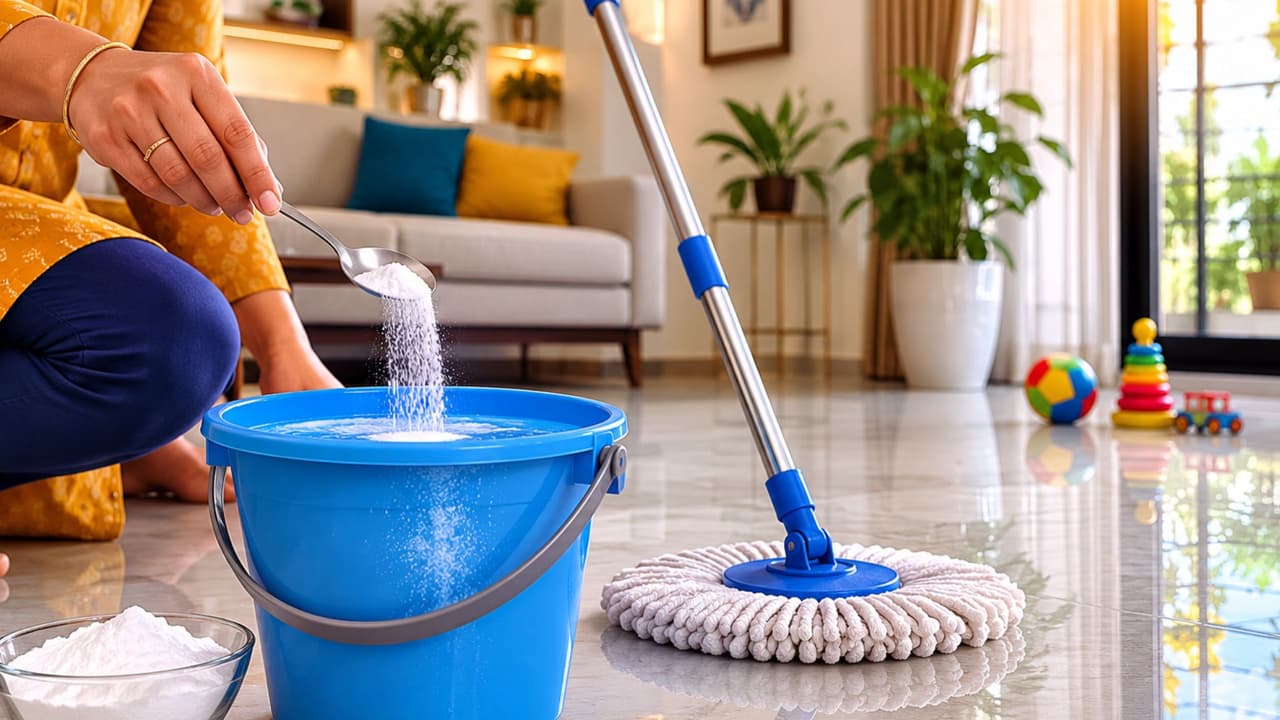
Are your white tiles turning yellow and losing their shine? Discover a simple tile-cleaning trick that can help tackle stubborn stains and dullness, leaving your bathroom or kitchen tiles looking fresher and brighter.
Have your white tiles lost their shine?
White tiles give your home such a clean, bright, and attractive look, right? But after some time, they can get covered in yellow stains, dust, soap scum, and stubborn dirt from moisture. The tiles in bathrooms and kitchens, especially, tend to lose their shine. Many people rush to buy expensive chemicals to clean them, but you can actually make your tiles sparkle again using simple household items.
If you’re seeing light yellow stains on your white tiles, a mix of baking soda and white vinegar is very effective. First, just sprinkle some baking soda on the tiles and then pour a little vinegar over it. Let it sit for a few minutes to loosen up the dirt. After that, gently scrub with a soft brush or a sponge and rinse with clean water. This method not only helps bring back the tiles’ shine but also helps get rid of any bad smells.
If you have a specific stain on the tiles, lemon juice is your best friend. Apply the juice directly onto the stain and leave it for 10-15 minutes. Then, just wipe it off with a sponge or a damp cloth. If the stain is an old one, try adding some salt to the lemon juice before applying it. This will help remove the stain much faster.
If the usual methods don’t work on a tough stain, you can try using chlorine peroxide. Apply it on the stain, let it sit for a while, and then clean the area thoroughly. The stain should be gone.
For those really deep yellow stains, baking soda comes to the rescue again. Make a paste with baking soda and water and apply it over the stained area. Let it sit for some time before cleaning it off. This should take care of the yellowing.