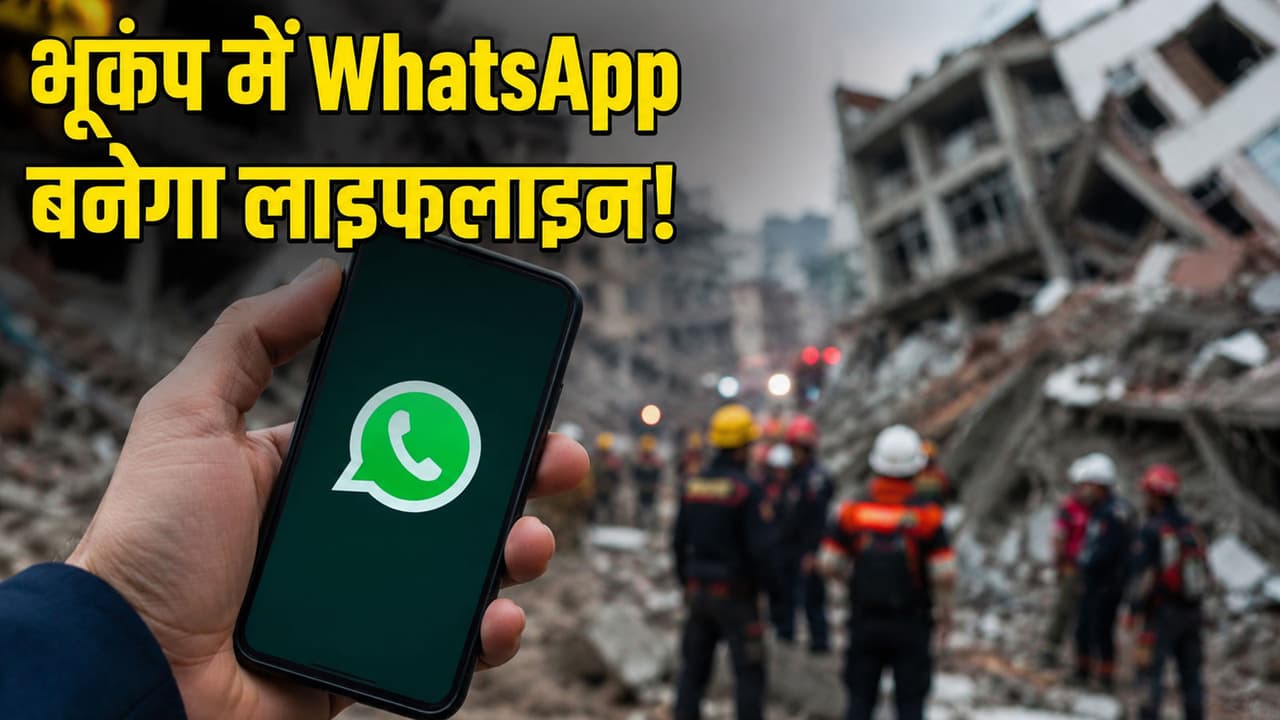
WhatsApp Safety Tips: 5 important settings of WhatsApp can save your life in a disaster like earthquake. This can make it easier to get help and make contact with family faster.
WhatsApp Settings for Emergency Safety: The powerful earthquake in Venezuela has once again reminded that disaster can strike anytime and anywhere. At such times, people first try to contact their family and friends. But often the network gets jammed, calls do not go through and anxiety increases. In such a situation, the most used app of your phone, WhatsApp, can be of great help. Very few people know that there are some features in WhatsApp which can be useful to you in times of emergency. If you have not turned on these 5 settings yet, do so immediately.
Live Location: Your location will reach the family directly
The biggest question in an earthquake, flood or any disaster is, ‘Where are you?’ The Live Location feature of WhatsApp keeps your real-time location available to family or friends. If you have reached a safe place or are stuck somewhere, the other person can see your location.
How to turn on?
- Open WhatsApp Chat.
- Tap Attachment and select a location.
- Click on ‘Share Live Location’.
- Select the time and send.
Emergency Group: The most useful thing in difficult times
Often during a crisis, time is wasted in telling the same thing to different people. For this, create an emergency WhatsApp group of the family, which will have only essential members. In this group you can send your location, give important updates, ask for help and give information to everyone together. This small preparation can be very useful in a big crisis.
Keep Auto Download off, both battery and data will be saved
Mobile battery becomes the most precious thing during a disaster. If WhatsApp keeps downloading every photo, video and file automatically, then both the battery and the internet can drain quickly.
How to turn off Auto Download?
- Go to WhatsApp settings.
- Open Storage and Data.
- Select Media Auto Download option.
- Turn off all options.
- With this your phone can remain operational for a longer time.
Use ‘Voice Notes’ instead of typing
Internet becomes very slow after earthquake. In such a situation, a normal call or video call will never be possible. Time is also wasted in typing text messages. WhatsApp’s ‘Voice Note’ (speaking by pressing the microphone button) reaches the other person even on very low bandwidth i.e. very slow internet. This is the best tool when stuck in a place like debris.
WhatsApp Proxy Settings
Even if the main mobile towers fall and the internet is completely shut down, you can still connect with your loved ones. For this, go to WhatsApp’s Settings > Storage and Data > Proxy. During times of disaster, many volunteers and organizations activate free proxy servers. By turning it on, you can send important messages even without an active internet connection.