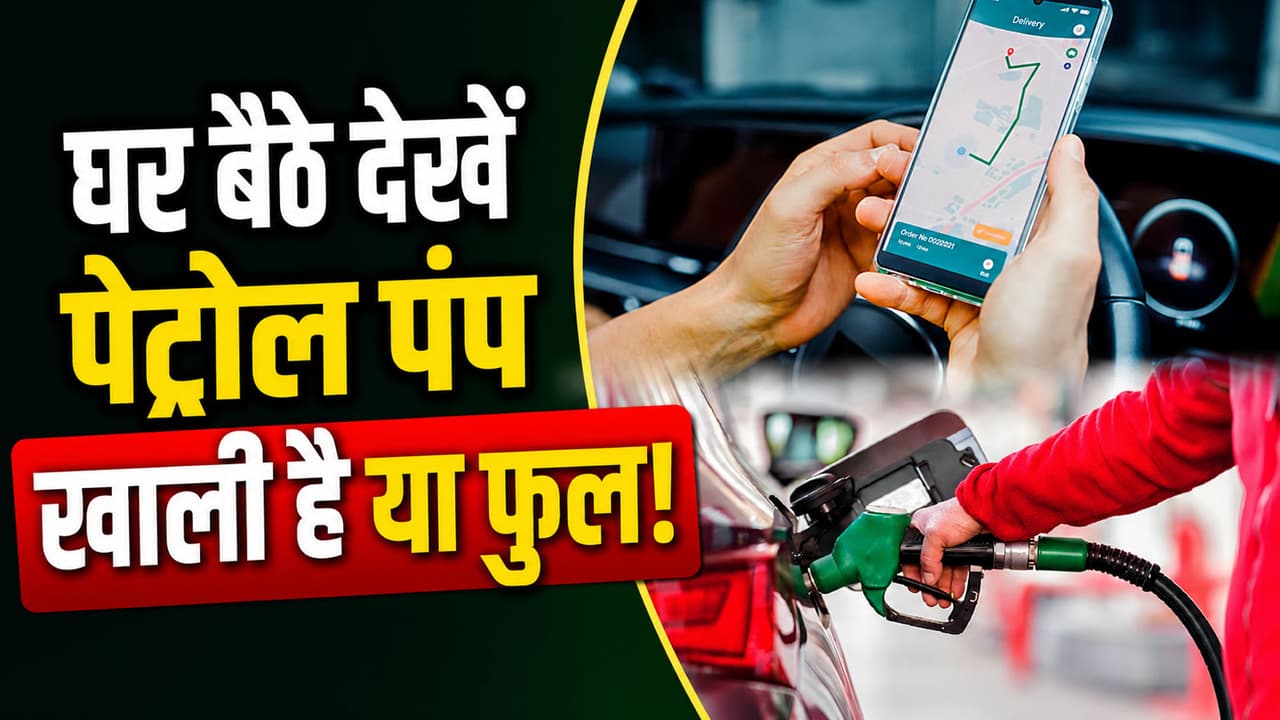
How to Check Petrol Pump Rush Live Status: How to know at home whether there is crowd at the petrol pump or not? Is there any such device from mobile that can easily estimate the crowd? If you cannot confirm online, what is the other way to know the crowd? What is the biggest mistake you should not make to avoid queues at the petrol pump?
Petrol Pump Live Status: You leave the house, the sun is shining and the fuel indicator in the car is blinking. You think, ‘Come on, I will get oil from the nearby petrol pump immediately.’ But as soon as you reach there, there is such a queue of vehicles that you start sweating just by looking at it. Now you have only two options, either waste your time standing in that long line or take the risk and move ahead without filling the oil. But do you know that even before leaving home, you can know which petrol pump is crowded and which one is vacant? There is such an amazing tool in your smartphone which gives live status, but most of the people do not know its proper use. Let us know the very easy and step-by-step way to check the crowd at petrol pump without leaving home…
How to see live status of petrol pump?
Google Maps is not just for finding the way, it also tells the live status of the petrol pump. For this only some simple steps have to be followed. With this, you can reach the right petrol pump and fill the oil quickly.
How to see live status of petrol pump from Google Maps?
- First of all open the Google Maps app in your phone.
- Type ‘Petrol Pump Near Me’ in the search bar above or write the name of any of your favorite petrol pumps.
- As soon as the list of nearby petrol pumps appears in front of you, click on the pump you want to go to.
- Now the entire page of that petrol pump will open. Scroll down this page a bit.
- Below you will see a graph with ‘Popular Times’ written on it.
- A purple or red live bar will appear on this graph with ‘Live’ written above it.
- If that live bar is going much above the normal graph of the rest of the day, then understand that there is a huge crowd there at the moment.
- If the bar is small, it means the path is clear. Pick up the car immediately and leave.
2 more ways to check crowd at petrol pump
1. View ‘Live Traffic’ on Google Maps
If the road immediately in front of the petrol pump is visible in dark red color on the map, it means that there is a jam of vehicles there. And jam outside the petrol pump directly means a long line inside.
2. Keep an eye on your local WhatsApp groups
Nowadays, when there is a shortage of petrol or a strike in any city or society, people immediately post photos or messages on groups saying, ‘The line at such and such a pump is short, go there.’ This middle class network works fastest during times of panic.
Avoid these 3 mistakes before going to petrol pump
- Always make a habit of taking 10 seconds to check the live status before leaving the house.
- If the pump nearest to you is crowded, immediately check the status of another pump 1 kilometer away on the map. Many times, after going a little further, the pump is found completely empty.
- Never go without checking between 9 to 11 in the morning and 6 to 8 in the evening, because this is the time of office and college public.
Disclaimer: This article is only for general information and awareness. The method described here is based on live traffic and algorithm data of Google Maps. Sometimes, due to local technical problems, sudden strike, internet or VIP movement, the live status of the map and the actual location of the petrol pump may be different. Therefore, use them as per your convenience while leaving the house.