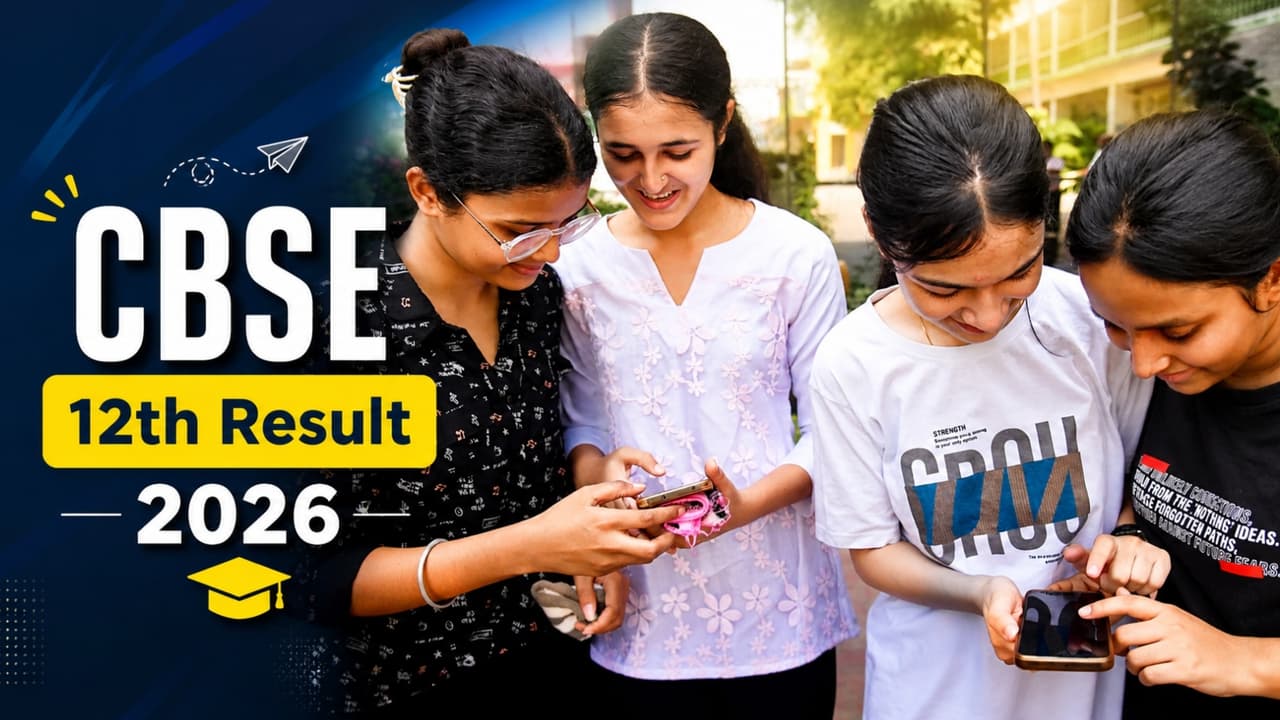
CBSE Result 2026 How to Check if Website Not Opening: CBSE Class 12 Result 2026 has been released. As soon as the results are released, the official website may slow down or crash due to heavy traffic. Many times the website does not even open on mobile. In such a situation, know 5 easy tricks to check results quickly on mobile.
CBSE 12th Result 2026: CBSE 12th Result 2026 (CBSE Class 12 Result 2026) has been released. As soon as the results are released, lakhs of students across the country try to login to cbse.gov.in and results.cbse.nic.in simultaneously. This is the reason why many times the website does not open, the screen keeps loading continuously or server errors start appearing. At such times, frequent refresh can further aggravate the problem. If your result page is not opening, there is no need to panic. Some easy tricks can help you, through which you will be able to see your result quickly without any stress.
CBSE 12th Result 2026 Direct Link
1. First of all, clear the browser cache of the phone.
The biggest problem on result day is old cached data. Many times old files saved in the browser prevent new websites from loading. If you’re using Chrome on an Android phone, click on the three dots, then go to Settings. There in the privacy section you will find the option of “Clear Browsing Data”. Clear the data by selecting Cached Images and Files. This process is completed in a few seconds and in many cases the website starts opening immediately.
2. Leave Wi-Fi, mobile data can work faster
At the time of release of results, home Wi-Fi often becomes slow, especially when many people are using the internet simultaneously. In such a situation, 4G or 5G mobile data sometimes gives better speed because its network route is different. If the website keeps getting stuck, turn off Wi-Fi and try going directly to mobile data. Many students have also claimed on social media that just by changing the network the result page opened instantly.
3. CBSE 12th Result 2026: DigiLocker is the most trusted option
If the CBSE website is not working at all, then DigiLocker can be the easiest and safest solution for you. Students can download DigiLocker app from Google Play Store or Apple App Store. After logging in with mobile number, go to “Issued Documents” section and search CBSE. Your digital marksheet will be available there. The most important thing is that the CBSE marksheet found on DigiLocker is considered completely valid and is also accepted in college admissions.
4. Change browser or use SMS service
If you’re having trouble with Chrome, it may be worth trying another browser like Firefox or Brave. Different browsers have different cache systems, so websites can open faster. Apart from this, SMS service of CBSE is also very useful. Students can get the result directly through SMS by sending their roll number to 7738299899. This method works even in slow internet or weak network.
5. Check results at the right time, server load will remain less.
Maximum traffic comes as soon as the results are released. In such a situation, it is normal for the website to be slow. Experts believe that there are two best times to see the results, one is immediately after the results are released or after half an hour, when the initial crowd subsides. If the website continues to fail, it may be wise to wait for a while. Repeatedly refreshing the website in a hurry to check CBSE 12th Result 2026 can make the server slower. It would be better to have DigiLocker installed beforehand, keep the roll number ready and keep information about alternative methods with you.