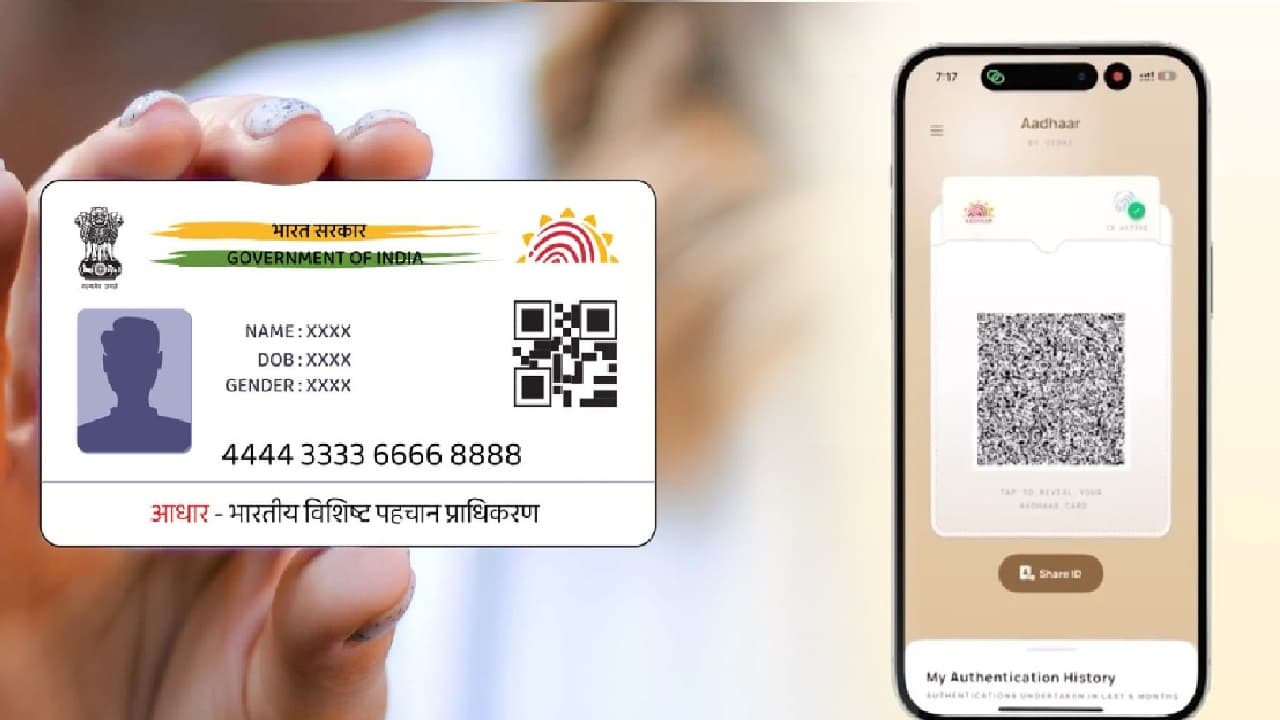
Why is the government closing the old mAadhaar App and introducing a new Aadhaar App? How will QR code and face authentication increase security in the new Aadhaar App? How will users be able to control their biometric data in the new Aadhaar App?
New Delhi: The central government has made a major change in Aadhaar services. The government has announced to shut down the old ‘mAadhaar’ app soon. In its place, a new Aadhaar app with more security and new features has been introduced. The Unique Identification Authority of India (UIDAI) has said that the purpose of this change is to make the country’s digital identity system more secure and user-friendly.
mAadhaar will be closed soon
While sharing this information on its official ‘X’ account, UIDAI said that the old mAadhaar app will be discontinued soon. UIDAI has told people, ‘Download the new Aadhaar app and use fast services and smart features.’ This is not just an update to the old app, but it will bring a major change in the way Aadhaar information is shared and verified.
Scroll to load tweet…
According to officials, the most important feature of the new app is sharing Aadhaar information through secure QR code. Now there will be no need to show complete Aadhaar details at places like hotels, hospitals or government offices. Instead, only the necessary information can be shared securely by scanning the QR code.
The new Aadhaar app has amazing features
Not only this, the Aadhaar verification system has also been made stronger. Earlier, verification was based only on OTP. Now along with OTP, multi-layer security system like face authentication and QR code verification has been introduced. UIDAI says this will help prevent fraud and data leaks. Users will now be able to have more control over their biometric details. This means they can lock or unlock using fingerprint, face, and iris information directly from the app. This will provide more security while using Aadhaar in public places or on someone else’s device.
To use this new app, first you have to download the official ‘Aadhaar App’ from Google Play Store or Apple App Store. After this, you will have to verify through OTP by entering the mobile number linked to your Aadhaar. Face authentication may also be required for some users. Then, once you set a PIN number and add your Aadhaar number, the registration will be completed. Additionally, the government has extended the deadline for free Aadhaar document updating through the ‘My Aadhaar’ portal till June 14, 2027.