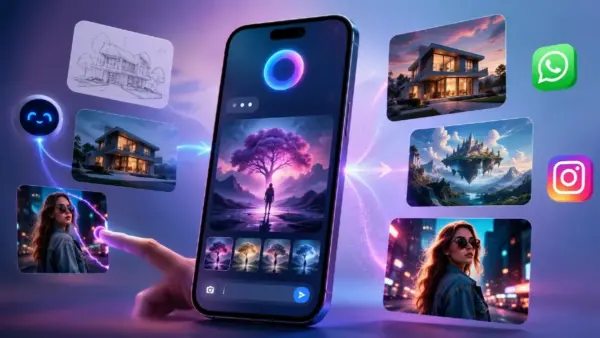
Meta is making it easier than ever to create AI-generated images without leaving your favorite messaging apps. The company has introduced Muse Image, a new generative AI tool built directly into the Meta AI assistant on WhatsApp and Instagram.
Instead of relying on third-party platforms, users can now generate artwork, edit photos, change backgrounds, and even transform sketches into polished images through simple text prompts.
Muse Image is designed for casual users as much as content creators, allowing anyone to produce visually appealing images through a conversational interface. Here’s everything you need to know about using Meta’s latest AI-powered creative tool.
What Is Muse Image AI?
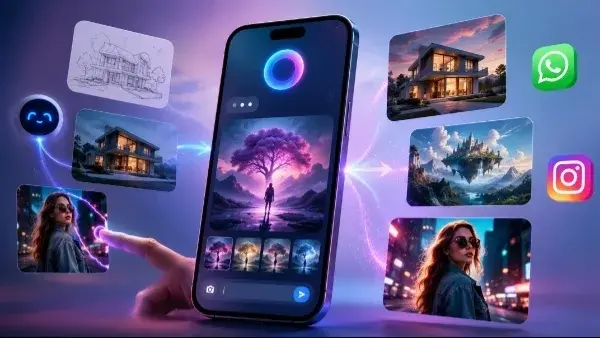
Muse Image is Meta’s built-in image generation and editing assistant that works inside Meta AI chats. It lets users create entirely new images from text descriptions or modify existing photos using natural language commands.
You can use it to:
- Generate AI images from scratch.
- Edit existing photos.
- Replace backgrounds.
- Change clothing or accessories.
- Adjust lighting and colors.
- Convert rough sketches into detailed artwork.
- Apply AI effects to Instagram Stories.
Since it’s integrated into Meta AI, there’s no need to install a separate image editing application or create another account.
How to Access Muse Image AI
Muse Image is currently rolling out gradually in supported regions.
If it’s available for your account, you can access it by:
- Opening WhatsApp or Instagram.
- Starting a conversation with Meta AI.
- Typing an image-generation or editing request.
Meta plans to bring the feature to Facebook and Messenger in a future update.
How to Create AI Images Using Muse Image
Creating an AI image is similar to chatting with Meta AI.
Simply describe what you want to see using a detailed prompt. For example, you can ask the assistant to generate landscapes, futuristic cities, fantasy artwork, realistic portraits, or product concepts.
The more specific your prompt is, the better the final image is likely to be. Including details such as lighting, colors, artistic style, camera angle, and environment usually produces more accurate results.
Because Muse Image works conversationally, you can continue refining the image without having to start over each time.
How to Edit Existing Photos
Muse Image can also modify photos already stored on your phone.
To edit an image:
- Upload a photo in your Meta AI chat.
- Use the markup tool to highlight the area you want to change, if needed.
- Describe the edits using natural language.
- Review the generated version and continue refining it if necessary.
You can ask Muse Image to:
- Remove unwanted objects.
- Replace backgrounds.
- Change clothing.
- Improve lighting.
- Modify colours.
- Add or remove elements from the scene.
Everything happens inside the chat, making photo editing much simpler for users without professional editing experience.

Turn Sketches Into Artwork
One of Muse Image’s standout features is its sketch-to-image capability.
Users can upload a rough drawing or doodle and ask the AI to transform it into a polished illustration or realistic artwork. This makes it useful for brainstorming ideas, creating concept art, or quickly visualising designs without professional drawing skills.
Use AI Effects on Instagram Stories
Instagram users also gain access to more than 30 AI-powered visual effects.
These effects can instantly transform ordinary photos into comic book illustrations, artistic paintings, fantasy scenes, and other creative styles, making Stories more engaging without requiring external editing apps.
Things to Keep in Mind
While Muse Image offers impressive convenience, it isn’t perfect.
Early users have reported that image quality can vary depending on the prompt. Complex requests sometimes require multiple attempts before producing the desired result.
Another limitation involves editing multiple photos within the same conversation. If you upload a second image, Meta AI may continue editing the first one instead of recognising the new upload.
For now, the easiest workaround is to start a new Meta AI chat whenever you want to edit a completely different image.
Is Muse Image Free?
Currently, yes.
Meta is offering Muse Image’s core image generation and editing tools free of charge as part of the Meta AI experience on WhatsApp and Instagram. However, the company may introduce premium subscriptions in the future for advanced rendering features or higher usage limits, similar to other AI platforms.
Overall, Muse Image makes AI-powered image creation and editing far more accessible by bringing these capabilities directly into WhatsApp and Instagram. As Meta continues to refine the tool and expand its availability, Muse Image has the potential to become one of the most convenient AI creative assistants for everyday users and content creators alike.