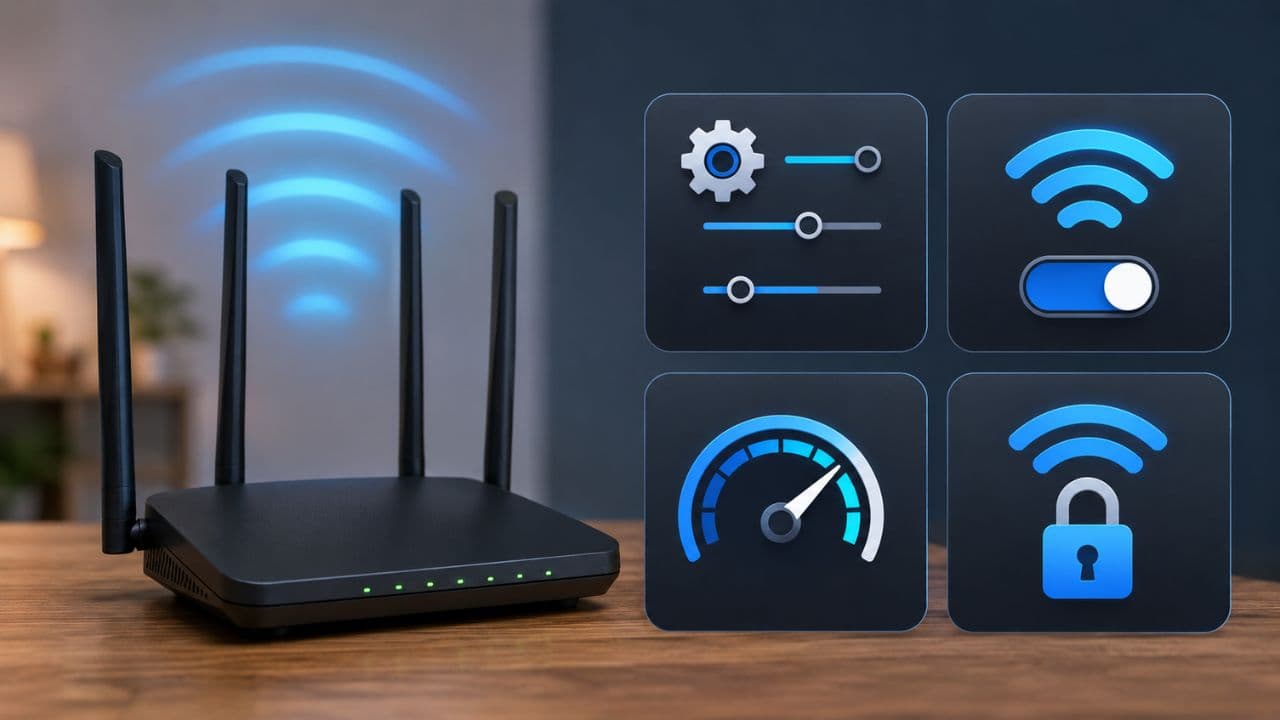
WiFi Router Tips: Is it safe to keep the Wi-Fi Router running 24 hours? Does switching off the router at night help in saving electricity bills? Under what circumstances should the Wi-Fi Router be turned off?
In today’s digital era, Internet is not just a convenience but has become an important part of our everyday life. From online studies, work from home, smart TV, CCTV cameras, smart home devices and mobile apps to banking, almost every work is dependent on the internet. In such a situation, the Wi-Fi router installed in the house remains active day and night.
But a question often comes to people’s mind, should the Wi-Fi router be turned off before sleeping at night or is it better to keep it on 24 hours? Many people turn it off to save power, while some keep it always on. Let us know what technical experts advise in this regard.
Is a Wi-Fi router designed to run continuously?
Wi-Fi routers are designed to work 24 hours a day, seven days a week. Most companies design their routers with the ability to run uninterrupted for long periods of time.
This is the reason why under normal circumstances, continuous operation of the router is not considered a big problem for it. If the device is of good quality and has proper ventilation, it does not need to be switched off every night.
What harm can occur from repeatedly switching ON/OFF?
Like any electronic device, there are many sensitive electronic components inside the router. Power cycling occurs each time a router is turned off and on repeatedly, which can put additional stress on the hardware. Although its effect is not immediately visible, doing so continuously for a long time is likely to affect the functionality and lifespan of the device.
Does the router consume more electricity when it is on 24 hours?
The biggest concern of many people is regarding the electricity bill. But the truth is that a typical home Wi-Fi router typically consumes only 5 to 20 watts of power. According to technical data, even if the router is on 24 hours for the whole month, there is not much difference in the electricity bill. This is why it is not always considered necessary to turn off the router daily just to save power.
Under what circumstances might turning off the router be a better option?
Although experts recommend keeping the router on constantly, in some situations it may be a wise decision to turn it off. If you are leaving home for several days, on a long vacation or are not going to have Internet access, the router can be turned off. This prevents unnecessary power consumption and also increases the protection of the device from power fluctuations or sudden surges.
Is it harmful to turn off the router every night?
There is no major technical harm in switching off the router every night, but making it a habit is not always considered beneficial. Experts believe that if your internet connection is working properly and there are no problems in the network, then keeping the router on continuously can be a more convenient and better option.
Why do important updates come at night?
Very few people know that Internet Service Providers (ISP) and router manufacturers release firmware updates from time to time. These updates are very important to fix security flaws, increase network stability and add new features. Often these updates are sent late at night or during low traffic times. If the router is turned off during that time, updates may not be installed. This may later lead to problems related to network performance, security and connectivity.
What to do for better performance of the router?
Experts recommend restarting the router from time to time. But that doesn’t mean switching off every night. For better performance:
- Place the router in a well-ventilated area.
- Install firmware updates regularly.
- Restart the router once or twice a month.
- Use a surge protector to protect against power fluctuations.
- Turn off the router if you are out of the house for a long time.