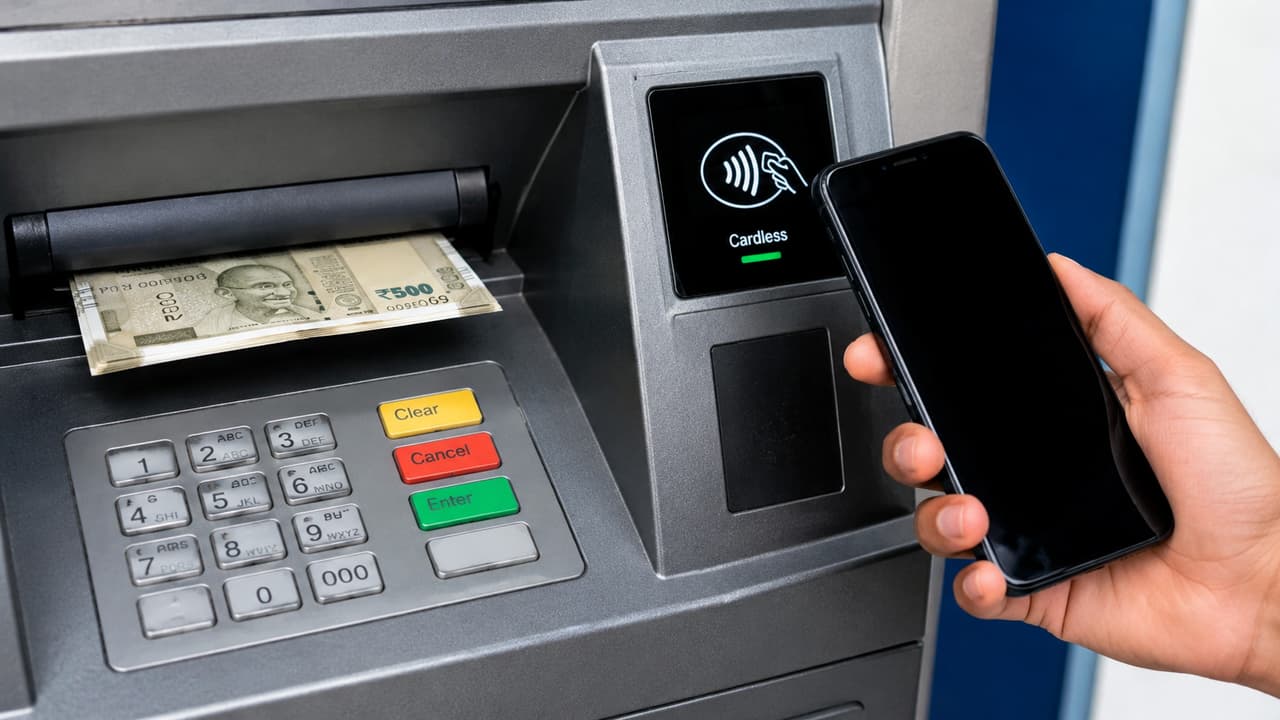
Cardless ATM cash withdrawal: What is the way to withdraw money from the machine without ATM card? Are there any extra charges for cardless ATM withdrawals? What is required to withdraw cash from ATM from mobile?
Do you suddenly need cash while going out but do not have an ATM card? So in such a situation, there is no need to go to any shop and pay extra to get cash. Now money can be easily withdrawn from ATM machine without ATM card. You will not need to pay extra charge for this. Let us know from which banks UPI cash can be withdrawn by adopting which simple steps.
How to withdraw cash from cardless ATM?
- After going to the ATM machine, select UPI cash withdrawal option.
- Whatever amount you want to withdraw within Rs 10,000, enter it in the ATM.
- Now open the mobile and scan the QR code shown in the ATM machine. You will be able to withdraw cash from any UPI app with the help of the machine.
- Confirm UPI payment through mobile and the cash will be withdrawn directly from the ATM. During this time you will not have to face any problem because this is a very simple process.
Read more: Will provide light like day as soon as power goes out, see the best LED torch option, price starts from ₹ 10
In which bank ATM facility is available?
UPI cash facility without card is not available in ATMs of all banks. This facility is currently available in the ATMs of some banks like HDFC, BOB, SBI and Canara Bank. You cannot withdraw more than Rs 10,000 at a time.
Keep these things in mind
- To withdraw cardless cash, it is very important for the UPI app to work properly. So keep updating the app from time to time. If the app does not work then there should be no problem in withdrawing the cash.
- After withdrawing money, definitely check SMS alert.
- Do not take help from any unknown person while scanning QR code at ATM and be careful while entering UPI PIN in public places.
Read more: Motorola Edge 2026 launched, know complete details of price, features and sale date