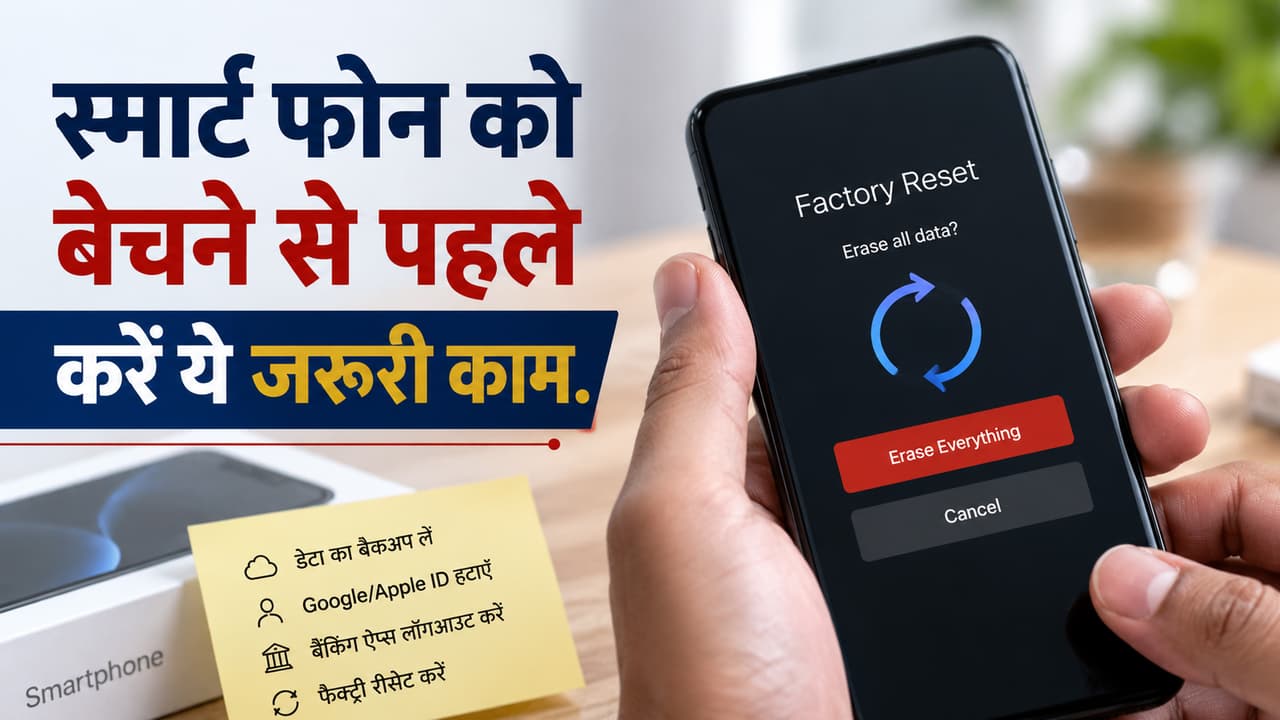
Old Phone Data Safety Tips: What is the first important step before selling an old smartphone? Is just deleting photos-videos from gallery enough to delete data from the phone? What is the last and most important step before selling the phone?
In today’s era, smartphones have become an essential part of people’s lives. Therefore, as soon as the phone becomes old, people buy a new phone by selling it or putting it in exchange. Often, while selling an old phone, we forget to clean it technically. Which later becomes a big problem for us. According to cyber experts, selling the phone without deleting the data properly can become a big threat to your privacy. Simply deleting photos and videos from the gallery is not enough, because many times the data can be recovered. Your personal information may fall into the wrong hands, which may lead to problems like cyber fraud or data breach. Therefore, it is very important to follow some important steps before selling the phone.
First take complete data backup
The most important step before selling the phone is to backup all your important data. This includes photos, videos, contacts and documents. If you want, you can use Google Drive, iCloud, hard drive or laptop so that your data remains safe.
Must remove Google or Apple ID
If you are using an Android phone then do not forget to logout and delete your Google account. At the same time, iPhone users are required to remove their Apple ID from the device. Many people just delete the data but forget to logout the account, which can increase the risk later. Therefore, before selling the phone, the account should be logged out. Then delete the apps.
Clean banking and UPI apps completely
Before selling the phone, logout and uninstall all banking, UPI and digital wallet apps. Simply deleting the app is not enough, it is important to logout from all accounts first so that no one can access your financial information.
Online Payment New Rules: Now ₹10,000+ payment will not be done immediately, RBI will stop the money for 1 hour! Know the reason
do factory reset
The last and most important step is to perform a factory reset. With this, all the data on the phone is completely erased and the device becomes like new. For better security, you can reset more than once if you want. Therefore, go to Settings and do a factory reset.
Read more: Earning from YouTube: Are you fond of cooking or craft? 3 easy steps to start your channel, this is how the first payment will come