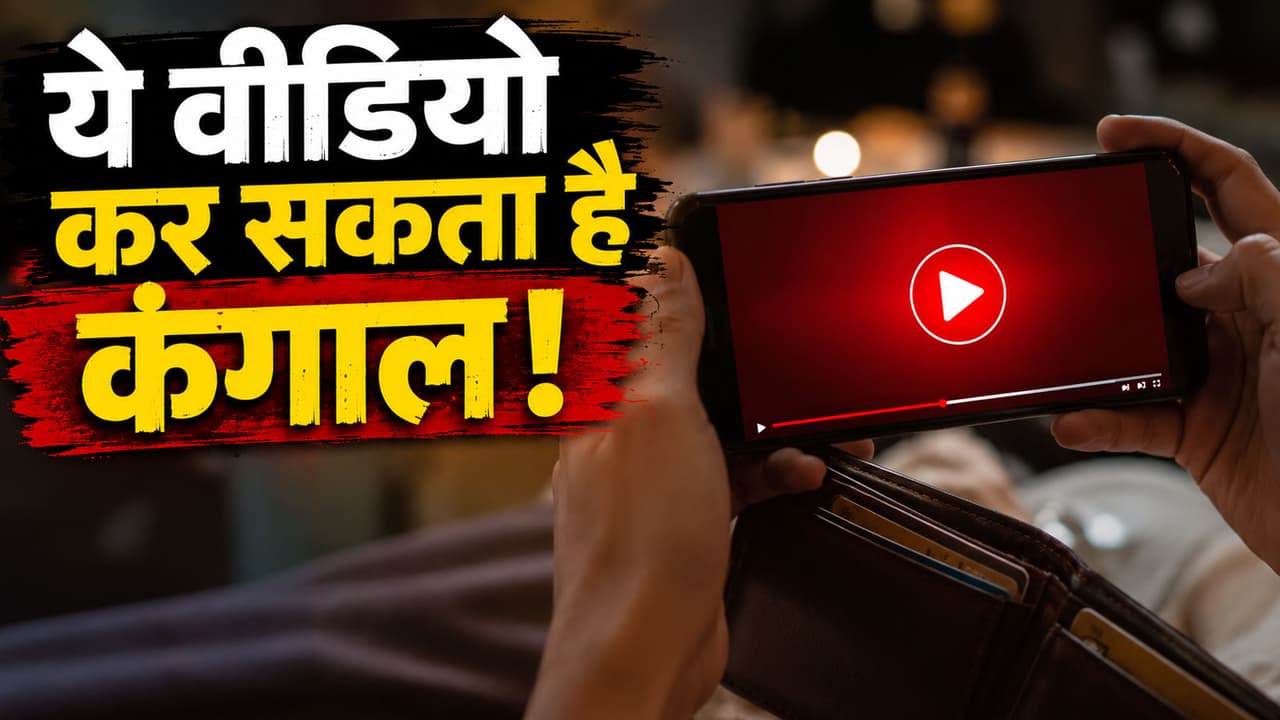
Viral Video Scam Alert: What is ‘2 Minute Video Scam’? Can a bank account be emptied just by clicking on a video link? How safe are video links on WhatsApp? How to identify fake video links? What to do if you open a video by mistake?
Viral Video Link Scam Safety Tips: Nowadays dozens of videos come on mobile every day. Some videos are so interesting that people click immediately without thinking. Cyber fraudsters are taking advantage of this habit of yours. A video of just 2 minutes can cost you your hard-earned money and wipe out your bank account in a matter of minutes. According to cyber experts, these days such video links are being spread rapidly, on the pretext of watching which malware, fake apps or dangerous files are downloaded into people’s mobiles. In many cases, even people’s bank accounts, UPI and social media accounts have become empty. If any such suspicious video comes on your mobile, then know how to avoid it and what to do…
What is 2 Minute Video Scam?
In this scam, cyber thugs send a video link through WhatsApp, Telegram, Facebook, Instagram or SMS. It is written in the message, ‘Your video has gone viral’, ‘You are seen in this video’, ‘See who is saying what about you’. ‘2 minute video, know the whole truth..’ As soon as anyone clicks on the link, he is sent to a fake website or fake app download page. After this the game of scam starts.
Which people are being targeted the most?
- WhatsApp users
- people doing online banking
- Customers using UPI
- senior citizen
- new smartphone users
How can a bank account become empty?
1. Installing fake apps
APK file is downloaded in the name of watching videos. As soon as the app is installed, it tries to gain access to the mobile.
2. Reading OTP and SMS
Some malware can read the SMS present in the phone. Due to this, bank OTP and verification code can be stolen.
3. Stealing UPI information
Attempts are made to fill UPI PIN, bank details or card information on fake pages.
4. Screen sharing
Many times, on the pretext that the video is not opening, people are asked to download AnyDesk, TeamViewer or other remote access apps. After this the fraudsters can see your mobile screen.
Video link is fake, how to recognize?
- The link may have come from an unknown number.
- The name of the website may be strange.
- Asked to download app to watch video.
- Pressure should be created to click immediately.
- Words like ‘watch now’, ‘secret video’, ‘viral clip’ should be used.
What to do if the link is opened by mistake?
- First of all, turn off mobile Wi-Fi and mobile data. This may prevent data transfer of suspicious apps or files.
- Quickly view your bank account, UPI history and recent transactions. If you see any unknown transaction, contact the bank immediately.
- Quickly uninstall any recently downloaded unknown apps. Check the phone’s app list carefully.
- Change the passwords of Google account, banking app, UPI and social media immediately. Also turn on 2FA (Two-Factor Authentication) where possible.