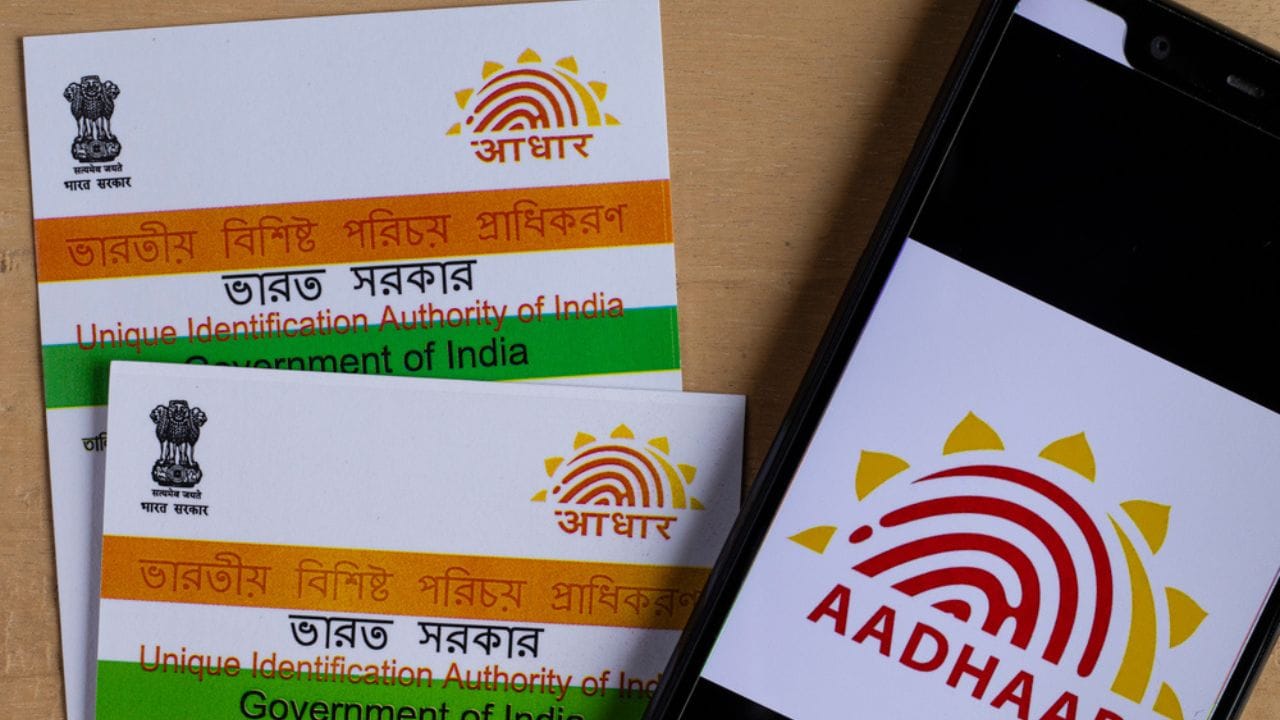
New Delhi: UIDAI has rolled out a new Aadhaar app, which will now replace the older mAadhaar application. The idea behind the new app is to make Aadhaar-related services easier to access on mobile phones and give users better control over their personal information. Users do not need to visit any Aadhaar centre or go through physical verification to make the switch.
Important things to note is switching to the new Aadhaar app does not affect Aadhaar numbers, linked services, or authentication records. The change only impacts how Aadhaar services are accessed on smartphones. From now on, the new app will be the main mobile platform for Aadhaar services.
How to download the new Aadhaar app
Digital Identity Reimagined!
A smarter and safer way to verify your identity—Aadhaar App will be dedicated to the nation today.#Aadhaar #UIDAI #AadhaarApp #DedicationtotheNation #DigitalIdentity #DigitalIndia #DigitalIdentityReimagined pic.twitter.com/XjpG4uLQLa— Aadhaar (@UIDAI) January 28, 2026
To set up a new Aadhaar app download the official Aadhaar app published by UIDAI from Google Play Store on Android or the Apple App Store on iOS. After the installation of the app enter the mobile number which is linked to your Aadhaar and for privacy and security set up a PIN or enable biometric authentication, depending on your device.
How to add Aadhaar details in the app
The new app does not transfer data from mAadhaar. Users must add their Aadhaar profile manually. To do this, users need to open the app, select the option to add Aadhaar, enter their Aadhaar number, and complete OTP-based authentication. After this step, the Aadhaar profile is saved in the app and ready to use.
If Aadhaar details of family members were stored in the old app, the same process must be followed again for each person. The new Aadhaar app allows users to store up to five Aadhaar profiles on a single device.
What happens to old mAadhaar data
No data from the mAadhaar app is carried over. This includes stored QR codes, downloaded Aadhaar PDFs, and any cached information.
Instead of moving old data, the app fetches fresh Aadhaar details directly from UIDAI servers after authentication. The information is encrypted and stored securely within the app. Users will also need to set preferences such as language or display options again.
When to remove the mAadhaar app
While uninstalling mAadhar you must have confirmed that your Aadhaar profile opens correctly in the new app. Then check about family members’ profiles if users have added family members’ details. Lastly, cross check features such as offline verification or selective data sharing.