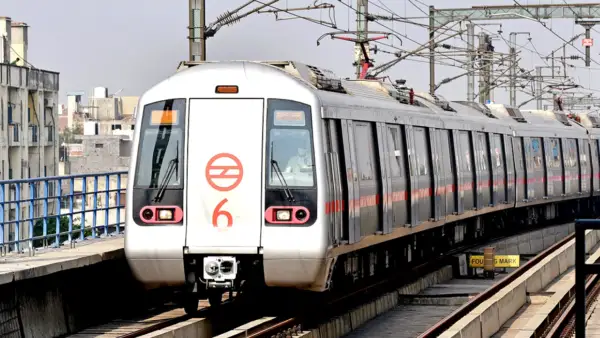
New Delhi: Millions of people travel by metro every day across different cities, and a large number of them use smart cards for their daily commute.
However, metro smart cards come with two common hassles that thousands of passengers face every day. First, commuters need to keep the physical card safe, and if it is lost, they may also lose the balance stored on it. Second, passengers have to take the card out of their wallet or bag before travelling and put it back after use.
However, the customers can get rid of both these difficulties by using their smartphone as a Metro smart card. In order to do so, they need to install the official metro app for their city on phones. Once set up, they can easily use a virtual smart card through a mobile.
Here are some of the key details:
- With this feature, the customers no longer need to take a physical card out of their wallet.
- It will end the worry of losing the card and the balance stored on it.
- The virtual smart card feature is available for the Delhi Metro, Bengaluru’s BMRCL Namma Metro, Mumbai’s Mumbai 1 app, and the Pune Metro app.
- In Delhi, the virtual smart card is available through the Delhi Metro Sarthi app.
- The customers can add balance to this virtual card and use it just like a regular physical metro smart card.
What Are the Benefits of a Virtual Smart Card?
A virtual smart card is stored securely in the metro app on the smartphone. This feature will eliminate the hassle of losing a physical card. When using a virtual smart card, the customers can generate a QR code with a single click after adding balance to the card, allowing them to travel by metro conveniently. They don’t need to make a payment every time you generate a QR code.
Just like a regular smart card, using a virtual smart card can get the customers can get a discount of up to 10 percent on metro fares.
How to Use It
For the convenience of the customers, we have mentioned the steps via which they can avail the feature:
1. Download the city’s official metro app.
2. After installing the app, log in using your phone number.
3. Once logged in, the customers will find the Virtual Card option on the home screen. Click on it.
4. A virtual card will appear on the screen, along with a Top Up option.
5. Click on Top Up, enter the amount you wish to add, and recharge the card.
6. Once the recharge is complete, your balance will be displayed on the virtual card.
How to Use It at the Metro Station
To use the virtual metro card at a metro station, open the metro app, go to the Virtual Card option, and swipe the card downwards.
A QR code will then appear on your screen.
Scan it at the metro gate to travel conveniently.