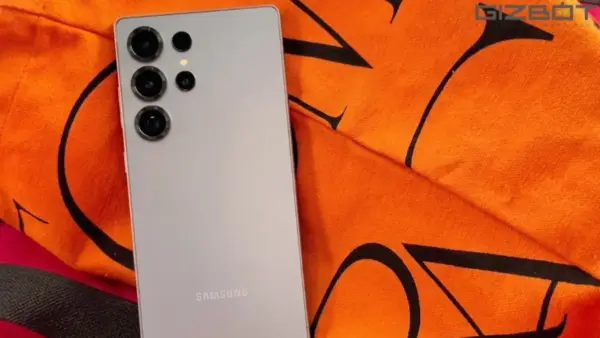
If you’re buying a new Samsung phone online, whether it’s a Galaxy S25 Ultra deal during Amazon’s ongoing Prime Day sale or any other Samsung device, there’s a quick way to check if your unit is genuinely new or has been pre-activated before it reached you.
This method comes from a post by X user
The catch is that it takes a few extra minutes at your doorstep, so you’ll need the delivery person to wait before you hand over the OTP or accept the package.
Steps to Check Warranty Status
- When the phone arrives, set it up with a Samsung account first. You can skip the rest of the setup process for now and do a full factory reset later once you’re ready to add your actual data.
- Open the Samsung Shop app, either on the new phone itself or on any other Samsung device signed into the same Samsung account.
- Go to the “My Page” section within the app, then scroll down to “Registered Devices.”
- Your new phone should show up here after a short wait. Tap on the Device Info option next to its name, and it should load the warranty status.
- Compare the warranty start date to your actual delivery date.
What the Dates Tell You
A warranty date that predates your delivery by several months means the unit was likely activated earlier, possibly returned, refurbished, or used as a display piece, and passed off as new. That’s your cue to reject the delivery on the spot.
If the warranty date lines up with your delivery date instead, you’re good. Go ahead and hand over the OTP.
A Few Things to Keep in Mind
This entire process depends on the delivery agent being willing to wait the extra 5 to 10 minutes it takes to set up a Samsung account and navigate to this section, which may not always go smoothly depending on the courier or your patience at the door.
This workaround applies to any Samsung phone you’re buying online, not just flagship deals. With sales like the ongoing Amazon Prime Day event pushing big discounts, it’s a good habit to build regardless of which Samsung model you’re picking up.