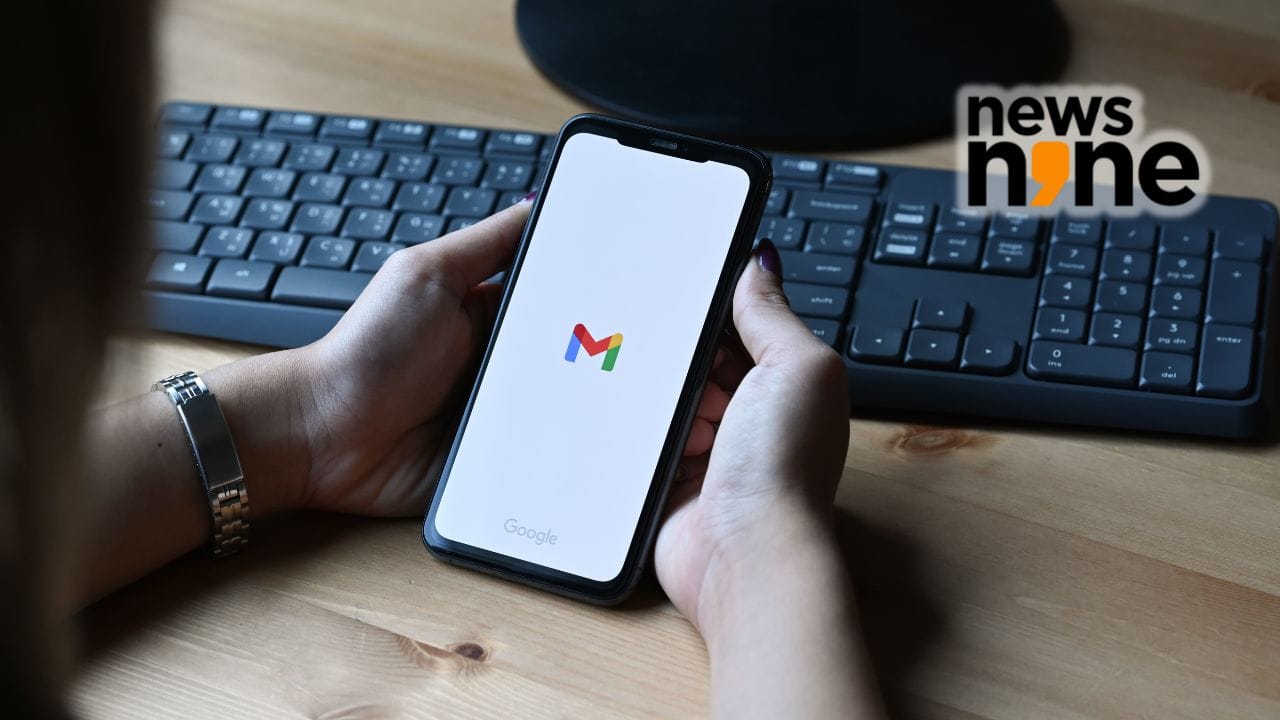
New Delhi: In a new email update, Google has announced it is rolling out what many of its users have been waiting for to finally be able to change their primary Gmail address. The rollout is already underway in the U.S. and will gradually move on to other markets. The change is a notable policy shift, as users have previously been unable to edit their main Gmail address once they created an account.
The change applies across the Google Account, which means services like Gmail, Calendar, Photos and Drive will still be fully linked to the updated email ID. The company first talked about this feature in December 2025. It is available now.
You asked, we delivered. If you’re a U.S. Google user, you can now change your account username for tools like Gmail, Photos, Drive and more — while keeping your emails, data and account history. Here’s what to know:
1️⃣ You can choose any available @gmail.com username.
2️⃣… pic.twitter.com/eF2lgbJaFg
— Google (@Google) March 31, 2026
A big change in Gmail
Now users can switch to a Gmail address without losing their existing data. Emails sent to the address will still arrive, and users can sign in with either address. Google said the old email will work as an address after the change.
Users can change their Gmail address once a year, and they can only make this change three times. The good thing is that all contacts, emails, files, photos, things they bought and subscriptions will stay the same. This means everything will work smoothly and nothing will be disrupted.
Why this feature matters
This change is really helpful for people who have been using Gmail for a time and want to change their old email address to something new. Maybe their old email address is not professional. It is just old. Until now Gmail only allowed users to add addresses but not change the main email address.
Google also said that some services, like Chromebooks and Remote Desktop, might need a few steps after the change. Gmail, Drive, YouTube and Maps will still work just fine.
How to change your Gmail address
To change the Gmail address, users need to go to their Google Account settings and find the email section. Then they need to select the option to change the Google Account email, enter an available username and confirm the change.
After that the new Gmail address will be the email, and the old one will still work as an extra address.