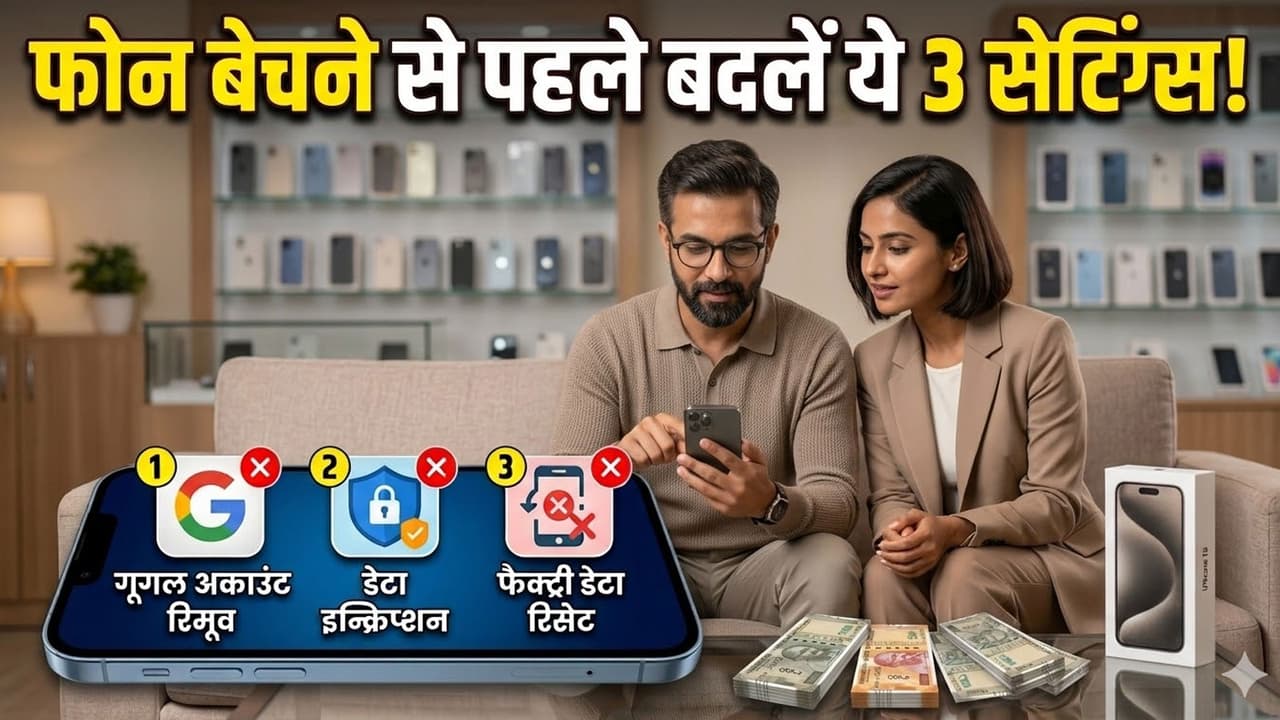
Old Phone Privacy Tips: In the joy of buying a new phone, are you putting your ‘private photos’ and ‘bank details’ at risk with your old mobile? Just resetting the phone is not enough. Change these 3 settings immediately before selling, otherwise you may regret it. See step-by-step guide.
Old Phone Selling Tips: Everyone has the craze of buying a new smartphone. As soon as a new phone comes in our hands, we start thinking of getting rid of the old phone as soon as possible or exchanging it on ‘Flipkart’ or ‘Amazon’. But wait, this haste can cost you dearly. Do you know that even ‘deleted’ photos and videos from your phone can be recovered by tech experts? If your old phone falls into wrong hands, your years old private photos, bank details and personal chats can get leaked. In this article, know about 3 such settings which are very important to change before selling the phone.
Setting 1: Delete Google and iCloud accounts
People often make the mistake of directly formatting the phone. This is the biggest mistake. The first thing to do is go to your phone’s settings and delete all your online accounts. If you do not remove the account, even after the phone is formatted, the new user can sync data with your Google Account or Apple ID.
Android user- Go to Settings > Accounts > Google and click on ‘Remove Account’.
iPhone user- Click on Settings > (Your Name) > Sign Out.
Setting 2: Encrypt data
Most people do not know this setting. Before formatting the phone, you have to ‘Encrypt Data’. This means that you are locking your entire data in one ‘lock’. Even if someone tries to recover the data after encrypting, he will get only garbage data.
On Android phones- Go to Settings > Security > Encrypt Phone. (In some phones this is in ‘Advanced Security’). This may take some time, so keep the phone charged.
On iPhone- iPhone automatically encrypts data when you set a password, so here all you need to do is complete Setting 1.
Setting 3: Factory Data Reset
Only after completing the two settings, the next step is to perform a factory data reset. This will completely erase all the data on the phone.
Android user- Settings > System > Reset options > Erase all data (factory reset)
iPhone user- Settings > General > Transfer or Reset iPhone > Erase All Content and Settings
Don’t forget the SD card and SIM card
Another small but big mistake is often made by parents or elders. Formatted the phone, but forgot to remove the memory card (SD card) and SIM card installed inside it. The SIM card holds your contacts and the SD card holds your photos. Before selling the phone, take them out and keep them in front of you.
Read this also-Private moments are being recorded with Meta AI Glasses! Know who is peeping in your bedroom and bathroom?
Read this also-Will Elon Musk’s school open in Kanpur? Looted Rs 1.57 crore from teacher in a promise, don’t make this mistake