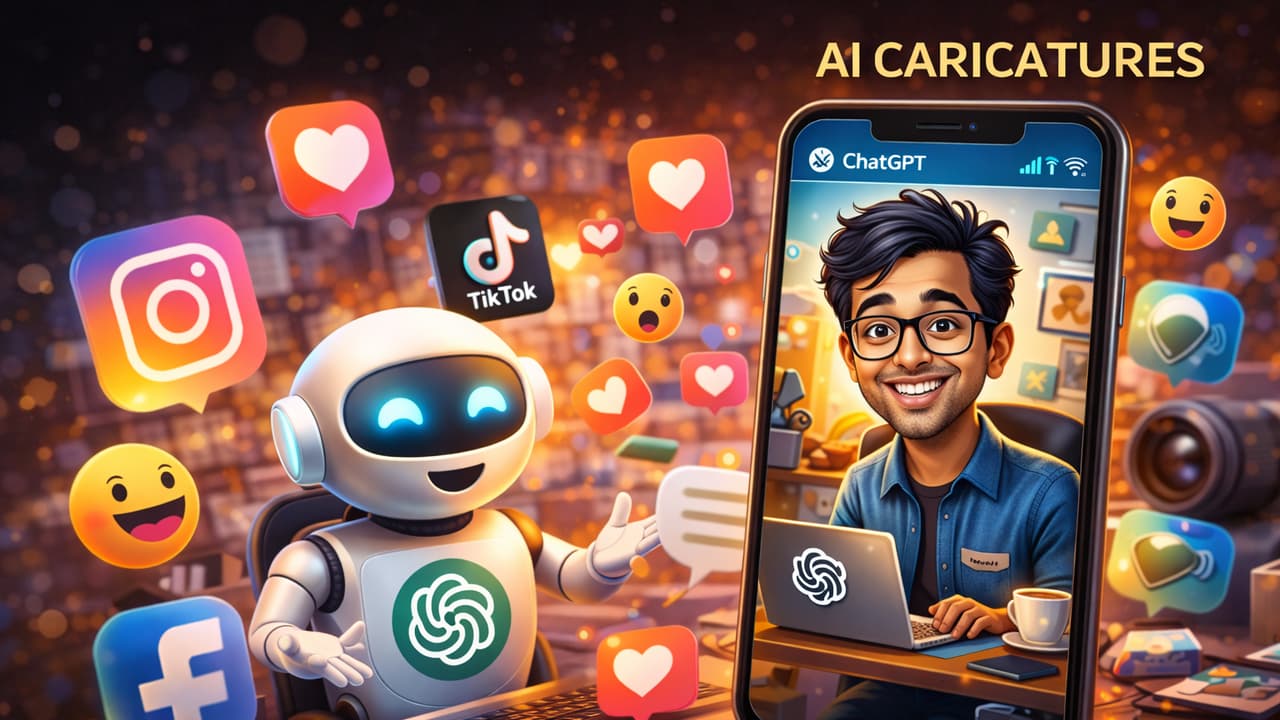
<p>The viral AI caricature trend on Instagram can put your personal data at risk. Photos and details shared with AI apps may be used for targeted phishing, identity theft, or cyber fraud. Stay cautious.</p><img>Lately, the ‘AI Caricature’ trend has gone totally viral on social media sites like Instagram, LinkedIn, and X. While it looks fun and is a cool way to show off, experts are now warning that a huge cyber security threat is hiding behind it.<img><p>In this trend, people upload their photos to AI platforms. They give a command like, ‘Create a caricature with everything you know about me.’ They also add info about their job, hobbies, and daily life. The AI then makes a special cartoon based on all this. These are the pictures flooding the internet right now.</p><p>Also read: Data Leak Alert: Free Tools to Check If Your Email or Phone Is on the Dark Web</p><img>Cyber security analysts are mainly worried about one thing: people are unknowingly giving away very important personal data to these AI sites. When you share details like your job, where you work, and your daily routine online, cybercriminals can easily get them. Fraud gangs can use this info to build a complete database on you. This makes it super easy for them to launch ‘Targeted Phishing’ attacks, where they pretend to be your friends or colleagues to cheat you.<img>The danger isn’t just from the text you type; your photos are also a risk. Many times, the pictures people upload might show their office location, ID cards hanging from their necks, or other key details in the background. This can help criminals track you down or even blackmail you.<img>Security experts give some solid advice: stop giving too much personal information when you use AI platforms. Before you upload your pictures to any AI app or website, make it a point to read their Privacy Policies. It’s a must.<img><p>It’s normal to feel the urge to try whatever is going viral. But don’t just blindly follow every trend and risk your own safety. Think before you click!</p><p>Also read: New iPhone? Change These 5 Settings Immediately for Better Security</p>