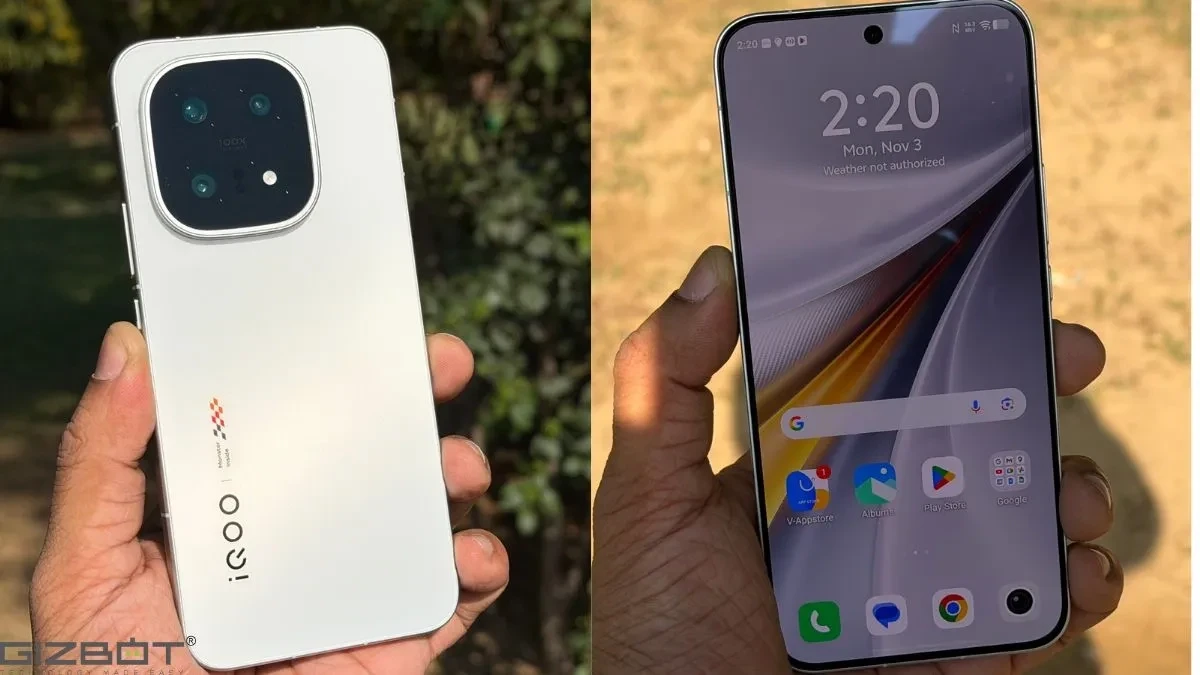
Details about the update were shared by tipsters
Some new features in global OriginOS 6 added with the January update on the iQOO 15:
✅ Two new Clock Widgets from Chinese OriginOS: a Landscape Clock style and an horizontal clock + weather widget.
✅ Dedicated Options to Dim Homescreen and Icons for Dark Mode. Can be accessed…
and
The iQOO 15 has recieved a new software update.
It brings:
– The latest January security patch.
– Promises better system, battery and thermal stability.
– Enhances real-time background blur for some scenarios.– New presets for lock screen customization, which also also…
, who highlighted several features rolling out with the latest build.More Clock Widgets and Lock Screen Styles
One of the most noticeable additions is a set of new clock widgets inspired by the Chinese version of OriginOS. These include a landscape-style clock and a horizontal clock with weather information, giving users more flexibility in how their home screen looks.
Some new features in global OriginOS 6 added with the January update on the iQOO 15:
✅ Two new Clock Widgets from Chinese OriginOS: a Landscape Clock style and an horizontal clock + weather widget.
✅ Dedicated Options to Dim Homescreen and Icons for Dark Mode. Can be accessed…
The update also introduces six new lock screen clock styles. Three are part of the “Text Vibe” section, while the other three appear under a new “Vibrant Widgets” category. One Text Vibe style allows users to edit text, while the rest currently offer preset designs.
Dark Mode Gets Practical Tweaks
The update brings a dedicated option to dim home screen icons in dark mode, accessible through Display Settings under Dark Mode options. This change is aimed at improving visual comfort in low-light environments and making the interface feel more consistent when dark mode is enabled.
The iQOO 15 has recieved a new software update.
It brings:
– The latest January security patch.
– Promises better system, battery and thermal stability.
– Enhances real-time background blur for some scenarios.
3D Wallpaper Effects and Visual Enhancements
Another visual addition is a 3D spatial effect for lock screen wallpapers. According to the tipsters, the feature works with both first-party and third-party wallpapers, though results can vary depending on the image. Since the feature is still in beta, it’s expected to improve over time.
The update also enhances real-time background blur in certain scenarios, adding a subtle layer of polish to the interface.
Stability and Performance Improvements
Beyond customization, the update includes the January security patch and promises better system stability, battery performance, and thermal management. These changes are less visible but can have a noticeable impact on everyday usage.
Interestingly, some features like icon dimming in dark mode and expanded lock screen presets are not yet available on the Vivo X300 series, but its bound to get them soon.
Overall, the January update doesn’t radically change the iQOO 15 experience (review), but it adds meaningful customization options and refinements that make the software feel more flexible and modern.