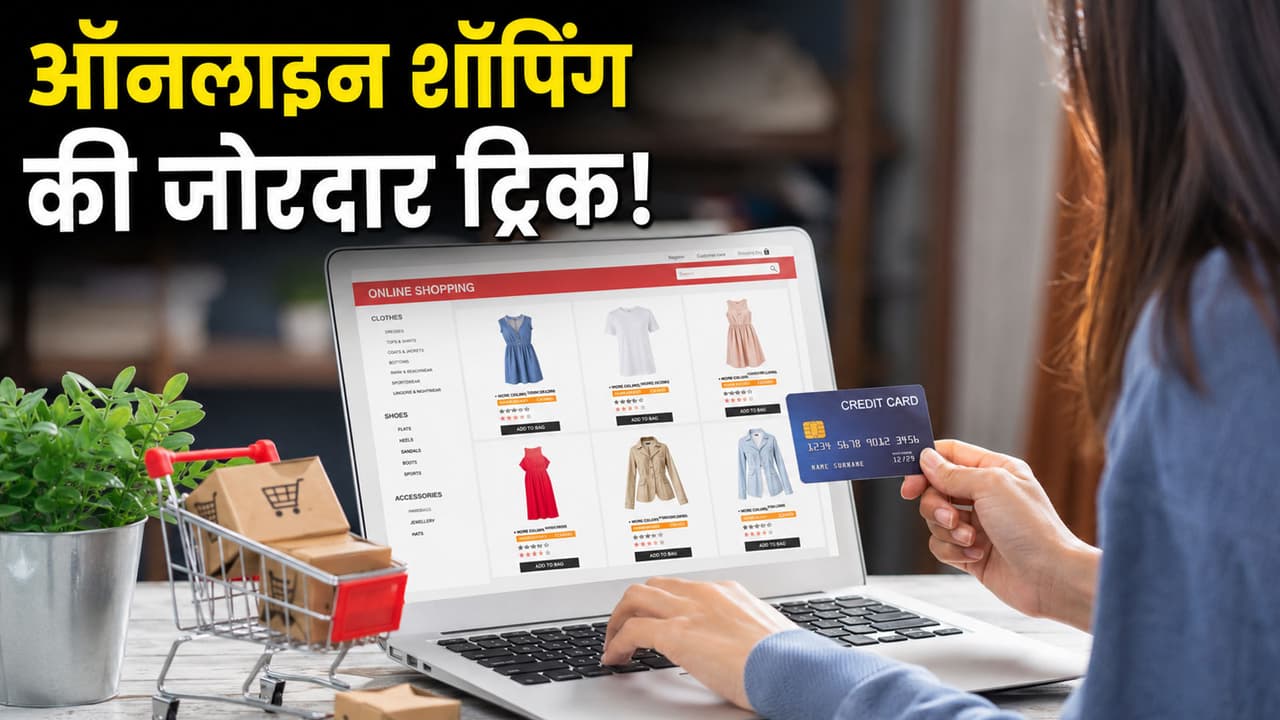
By turning on some settings in the browser before online shopping, you can save a lot of money on shopping. This lets you know the real and lowest price of the goods.
Online Shopping Tricks: If you like an expensive phone, laptop or fridge on Amazon or Flipkart, what do you and I do? You immediately ‘Buy Now’ or ‘Add to Cart’, but do you know that by taking advantage of your haste, these e-commerce companies charge more money from you? Yes, in the world of online shopping the price game changes every moment. The item which appears to be worth Rs 50,000 now may become worth Rs 45,000 overnight or its price two days ago was only Rs 42,000. Now you will not sit in front of the screen day and night and track the price. That is why today we are going to tell you about such a setting and trick of your internet browser (Google Chrome, Safari, Edge and others), which as soon as you turn it on, you will know for yourself whether the goods you are buying are available at the right price or not.
What do companies hide from you?
Companies use ‘Dynamic Pricing’. In simple words, as demand increases or your search pattern changes, the prices of goods keep going up and down. Many times, in the name of ‘bumper discount’, the old original price is sold as offer price. To avoid this, you just have to do two small things in your browser.
Setting No. 1: Install ‘Price Tracker’ extension in browser
This is the easiest way. You have to add a small free tool (extension) to the Chrome browser of your laptop or mobile. As soon as you turn it on, whenever you open any product on Amazon or Flipkart, this tool will show you the complete price history of that product. It will tell through a graph what was the lowest price and highest price of this item in the last 3 months or 1 year. If after looking at the graph you feel that the price is currently too high, then you can set a ‘Price Alert’ in it. This tool will immediately send you an email or notification as soon as the price of that item drops to your desired price.
Setting No. 2: Always use ‘Incognito Mode’ or ‘Private Browsing’
Has it ever happened to you that you searched for shoes or a phone and after that, wherever you go on the internet, you are seeing ads for the same item? Companies track you through your browser’s cookies and cache. When they know that you are very desperate to buy something, sometimes their prices will be increased for you.
simple way to escape
Before shopping, go to your browser’s settings and clear browsing data or cookies. Or the easiest way is to open Incognito Window (Private Mode) in your browser and then check the price of the goods without logging in to Amazon or Flipkart. You will often notice a difference in prices.
3 hacks for smart shopping
- Always check the ‘All Offers’ section before proceeding to the final payment page.
- Many times, even without any sale, you can get direct savings of 10% to 15% on credit or debit cards of certain banks.
- Many browser extensions automatically find the best working coupon codes from the internet and apply them to your cart, thereby giving you extra discounts instantly.
Disclaimer: The information given in this article is only for awareness and general knowledge. The tools, extensions or browser settings mentioned in the article have no official affiliation with the e-commerce companies (Amazon or Flipkart). Use third-party apps or tools at your own risk. Before purchasing any item, be sure to re-check its price, warranty and refund policy on the official website.