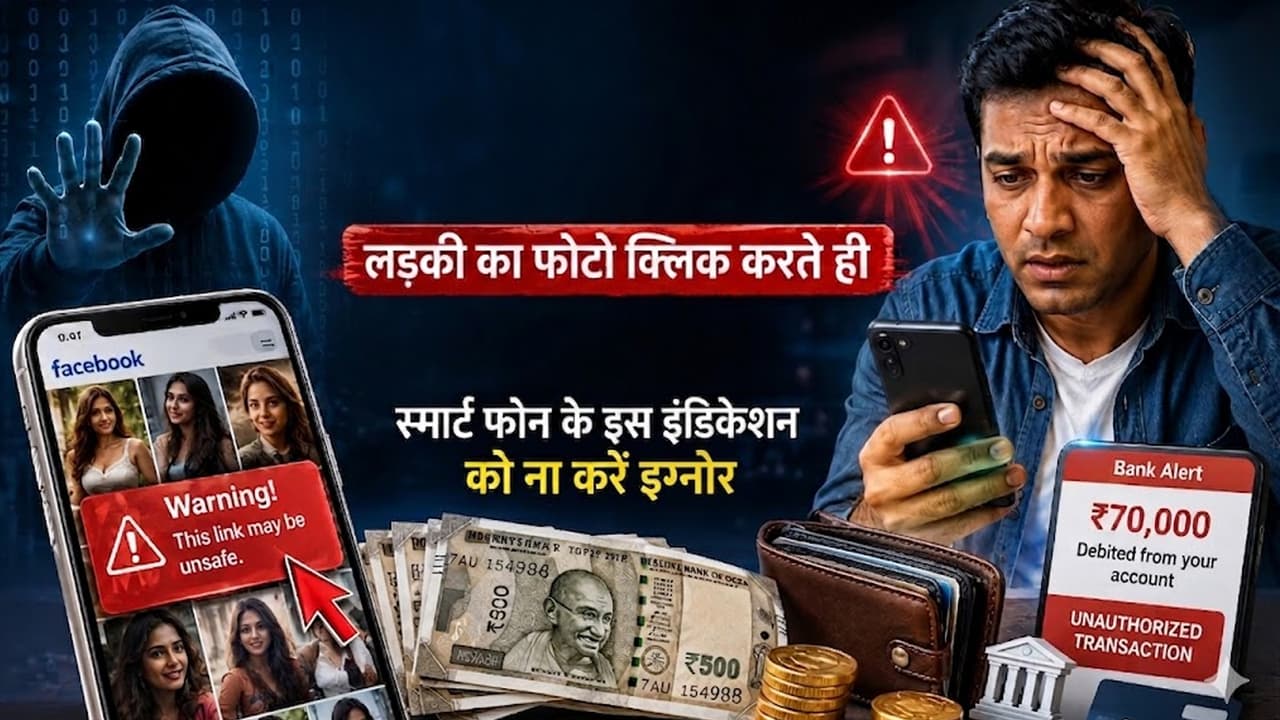
Smartphone Hacking Warning Sign: How can a bank account be hacked by clicking a photo on Facebook? What are the early signs of a smartphone being hacked? What are the first steps to be taken in case of cyber fraud?
Recently a shocking case of cyber fraud has come to light from Mumbai. Here a 32 year old man became a victim of online fraud while viewing pictures of women on Facebook. According to the report, as soon as he clicked on the image attached to a suspicious link, within a short time an unauthorized transaction of about Rs 70,000 was made from his bank account.
How did the complete fraud happen?
The victim was casually browsing Facebook when he clicked on some attractive photos, which included photos of women. One of these images was linked to a dangerous link. As soon as the click was made, cyber criminals gained access to his smartphone. The most surprising thing was that during this time the phone also gave him a security warning, but the user ignored it. Within a few minutes the phone started overheating and unauthorized activity started in the background.
70 thousand rupees missing from bank account
After the phone was hacked, cyber thugs started banking transactions in the background. Within a short time a total of Rs 70,000 was withdrawn from the account. As soon as the incident was known, the victim lodged a complaint with the cyber crime portal and the police, after which investigation has been started.
Early signs of smartphone hacking which should not be ignored
This case once again shows that some small signs can indicate a big danger:
- sudden battery drain
- Overheating of the phone
- Sudden increase in data usage
- Automatic installation of unknown apps
- Repeated pop-up ads
- phone performance becomes slow
- Camera or microphone indicator turning on by itself
Read more: Take care of dad’s grooming, gift these 5 budget friendly trimmers and shavers on Father’s Day
What to do in case of cyber attack?
According to experts, if there is suspicion that the phone is hacked, then immediately:-
- Turn off Internet and Wi-Fi or turn on flight mode
- Temporarily deactivate/uninstall banking apps
- Freeze bank account and debit/credit cards
- File complaint on cyber crime helpline or portal
Read more: Telegram vs Reliance: Ruckus in tech industry due to allegations of internet tampering in India