Smart TV Hacks: Can Internet browsing be done on Smart TV? Can Smart TV be made a second screen of laptop? Can games be played on Smart TV without a gaming console?
Nowadays, smart TV is present in almost every house, but most of the people use it only for watching movies, web series or TV channels. Whereas smart TV has many such features, which make it a multipurpose device. From Internet browsing to cloud gaming and digital photo framing, your Smart TV can do many things you probably never thought of. Let us tell you its 6 uses.
Turn smart TV into mini computer
Desktop mode is available in some smartphones of Samsung and Motorola. As soon as the phone is connected to the TV, a computer-like interface appears on the big screen. This makes editing documents, checking emails and other office related tasks easier.
Browsing the internet on a big screen
If you do not like to use the internet on the small screen of mobile or laptop, then smart TV can be a better option for you. With the help of browser apps like TV Bro and JioSphere, you can comfortably browse websites on a big screen. Features like voice control and remote friendly navigation are also available in these. With which you can work remotely also.
Give new identity to favorite photos
You can also turn your smart TV into a digital photo frame. Through apps like Footo, photos from the phone can be shown as a slideshow on the TV screen. This also adds to the decoration of the house.
Play high-end games without a gaming console
Even if you don’t have a gaming console, a great gaming experience can be had on a Smart TV. Cloud gaming services like Xbox Cloud Gaming, NVIDIA GeForce Now, and Amazon Luna make it possible to play games on a big screen with just the internet and a controller. Children can also play games on it comfortably.
Create a second screen for work from home
If you work on a laptop, you can use the smart TV as a second screen. Multitasking can be made easier by connecting the TV with the help of HDMI, Miracast or AirPlay. Working on a big screen also increases productivity.
Vivo Y31s 5G News: Vivo’s new 5G phone launched, equipped with 6500mAh battery and 50MP camera.
Make TV a smart dashboard
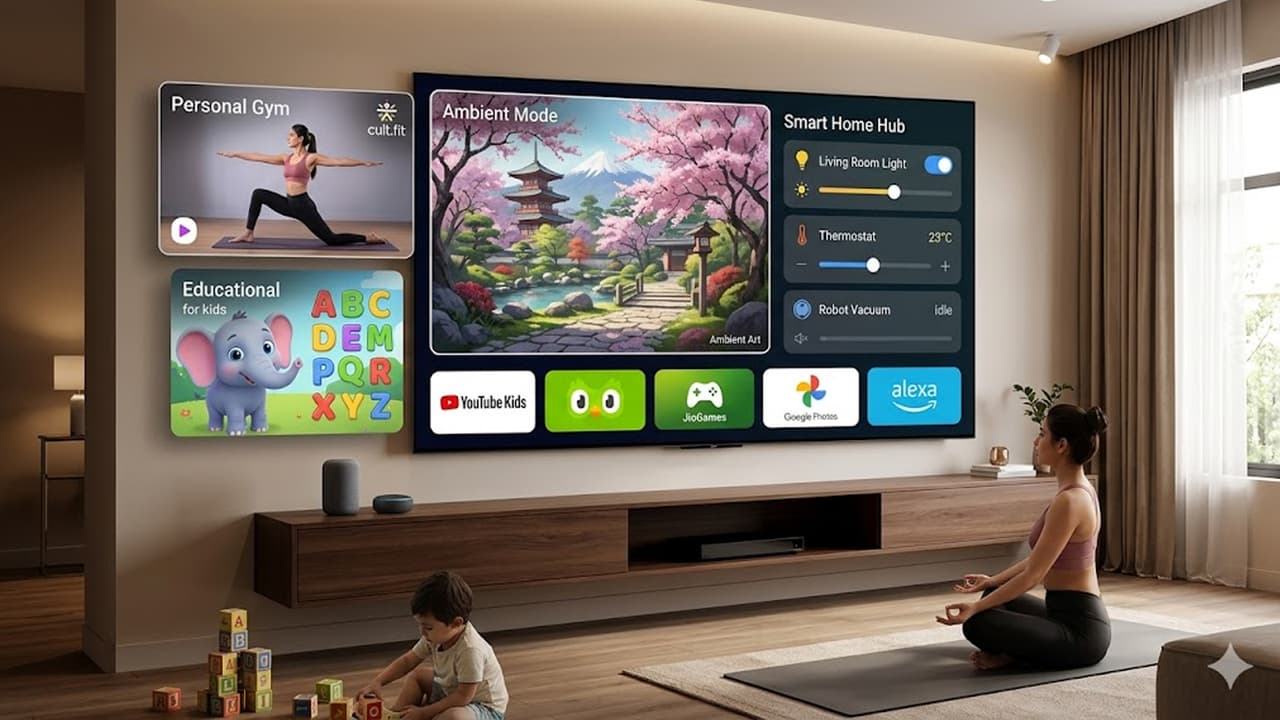
With the help of apps like DAKboard, Smart TV can be converted into a digital wall clock or smart dashboard. In this, time, weather, calendar, latest news and smart home device information are visible in one place.
Read more: WhatsApp Viral Link: This 1 link on WhatsApp will empty your bank account! Don’t make such a mistake even by mistake