55
Image Credit : Asianet News
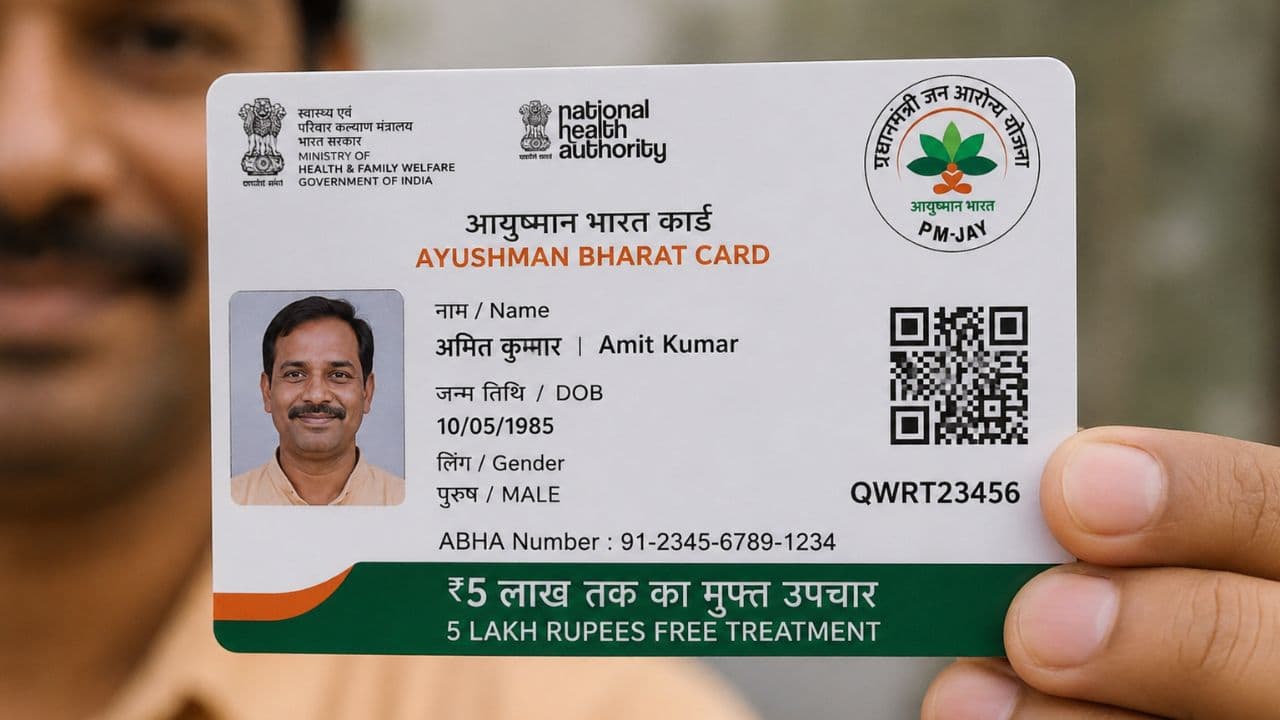
e-Kyc Ayushman Bharat Card
In the Ayushman Bharat app, log in using your phone number, Aadhaar OTP, and the correct captcha. Then, you have to select your state. After that, you can open the form by entering the Ration Card or Aadhaar number of any one family member. For this, your mobile number must be linked to your Aadhaar card, or the form won’t open. Next, you need to verify your Aadhaar and phone number and upload a photo. Then, select your area (rural or urban) and sub-division. Once you fill in all the details correctly and submit the form with the captcha, your e-KYC will be complete. You will then see the status of your card next to your name.