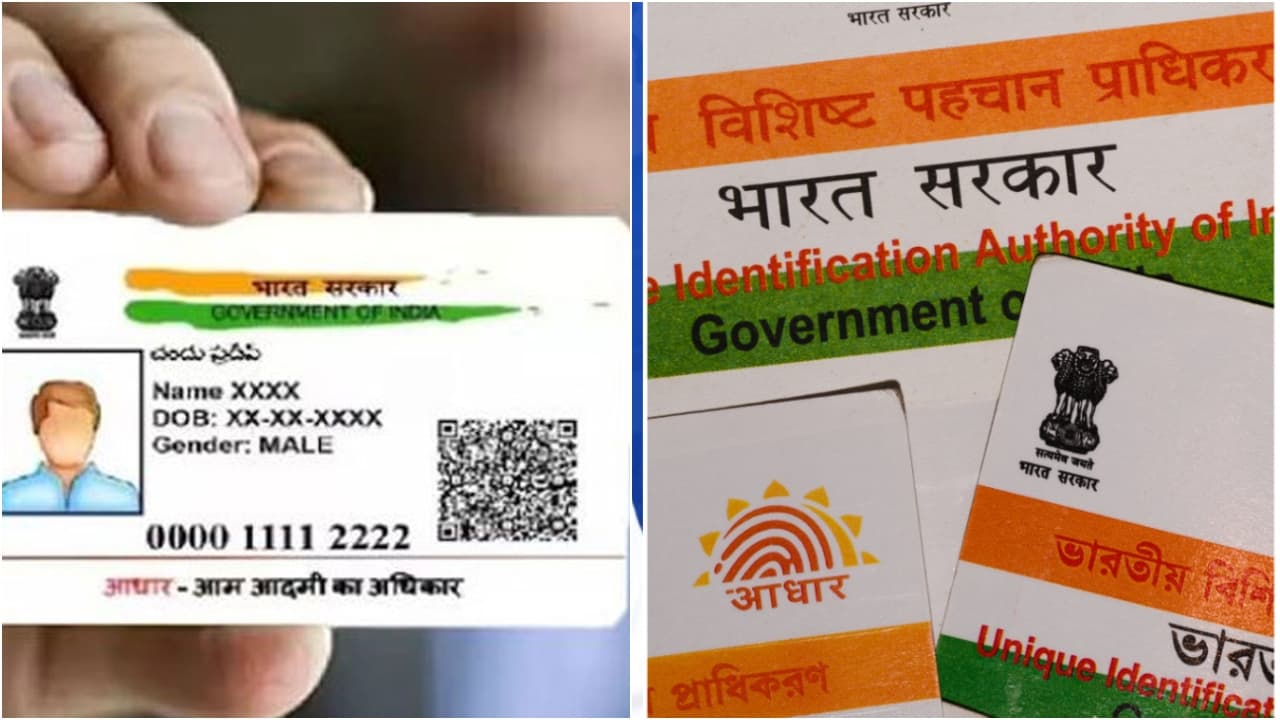
Worried that someone may be using your Aadhaar without your knowledge? Learn how to check your Aadhaar authentication history online in just two minutes and spot any unauthorized activity to keep your identity secure.
These days, you can’t get anything done without an Aadhaar card. From bank accounts and SIM cards to PAN cards and government subsidies, you need it everywhere. Your Aadhaar card isn’t just a piece of paper anymore; it’s basically your second identity. And that’s exactly why it’s so dangerous if it falls into the wrong hands.
Many people think, ‘My card is in my wallet, so how can it be misused?’ But the real truth is, if your 12-digit Aadhaar number gets leaked, someone can easily complete an online KYC. So, don’t think you’re safe just because the physical card is with you.
So what’s the solution? How do you find out if someone is using your Aadhaar details without your knowledge?
Don’t worry. UIDAI itself has provided a fix for this. You can go to their website and check your Aadhaar’s usage history for free. This means you can get a full list of every time your Aadhaar number was used for verification in the last few months.
First, you need to go to the UIDAI website. There, under the ‘My Aadhaar’ section, you’ll find an option called ‘Aadhaar Authentication History’. After clicking it, you’ll have to enter your 12-digit Aadhaar number and the captcha code. Then, an OTP will be sent to your registered mobile number. Use that OTP to log in, and you’re all set.
Once you log in, you can select a date range. The site will show you how many times your Aadhaar was used during that period. It will also mention how the verification was done – whether by OTP, fingerprint, or an iris scan.
While checking this list, if you see a transaction on a date when you definitely didn’t use your Aadhaar, you need to be careful. It means someone else is likely using your Aadhaar.
If you find something suspicious, do two things immediately. First, lock your biometrics from the mAadhaar app or the UIDAI site. Once locked, no one can use your fingerprint for KYC. You can easily unlock it whenever you need to. Second, generate a Virtual ID (VID). This is a 16-digit number. From now on, use this VID instead of your actual Aadhaar number. This will keep your original number secure.
Besides these, keep a few more things in mind. When you give a photocopy of your Aadhaar, write the purpose for which it’s being used on it. Also, add the date and your signature. Never let shopkeepers scan your Aadhaar’s QR code. And never, ever share an OTP that you get from an unknown number. Remember, neither your bank nor UIDAI will ever call you asking for an OTP.
So, make it a habit to check this history once every 2-3 months. It doesn’t take more than 2 minutes, but it’s the best way to keep your Aadhaar safe.