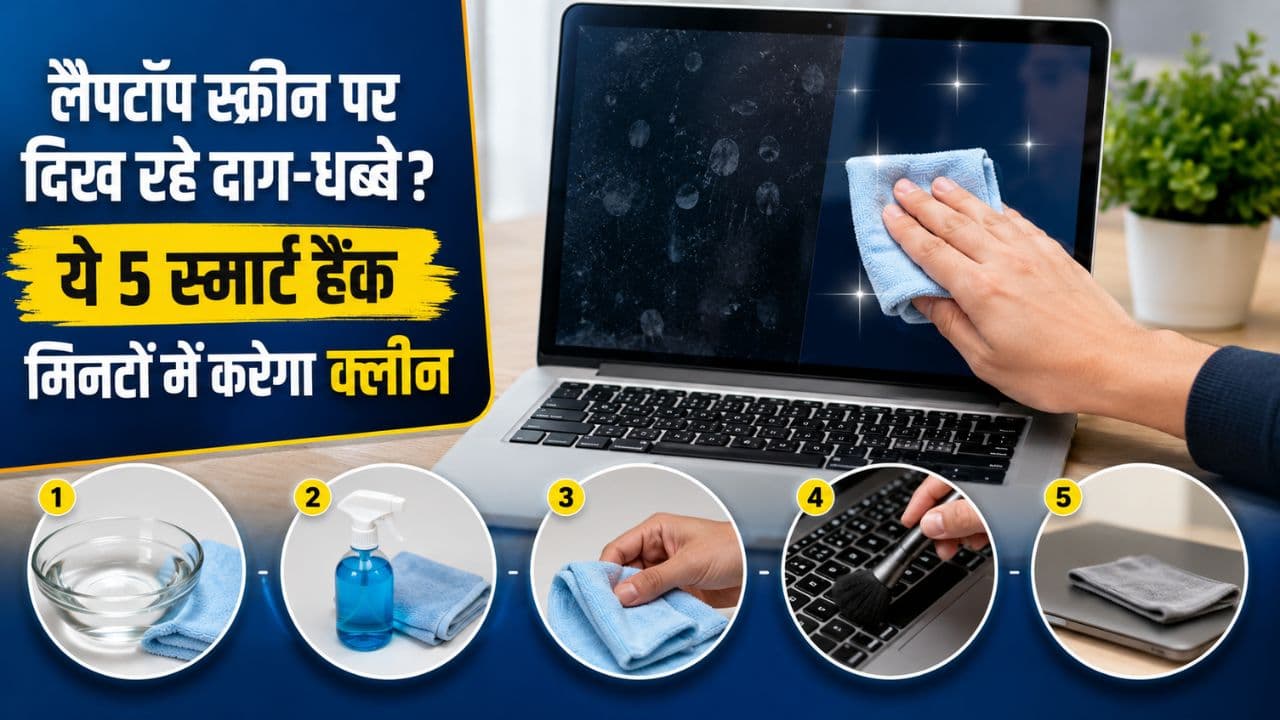
Laptop Screen Cleaning Tips: Has dust and fingerprints accumulated on your laptop screen? Do you also use tissue or glass cleaner while cleaning the screen? Know 5 smart tricks to clean laptop screen, which mistakes can damage the display and how to shine the screen safely.
Laptop Screen Cleaning Tips: It is common for dust, fingerprints and dirt to accumulate on the laptop screen. Many people use tissue paper, rough cloth or direct cleaning liquid to clean the screen quickly, which can damage the display. The coating of the screen is extremely delicate, so it is important to adopt the right method while cleaning it. By adopting some easy tips, you can make the screen bright without any harm.
turn off the laptop completely first
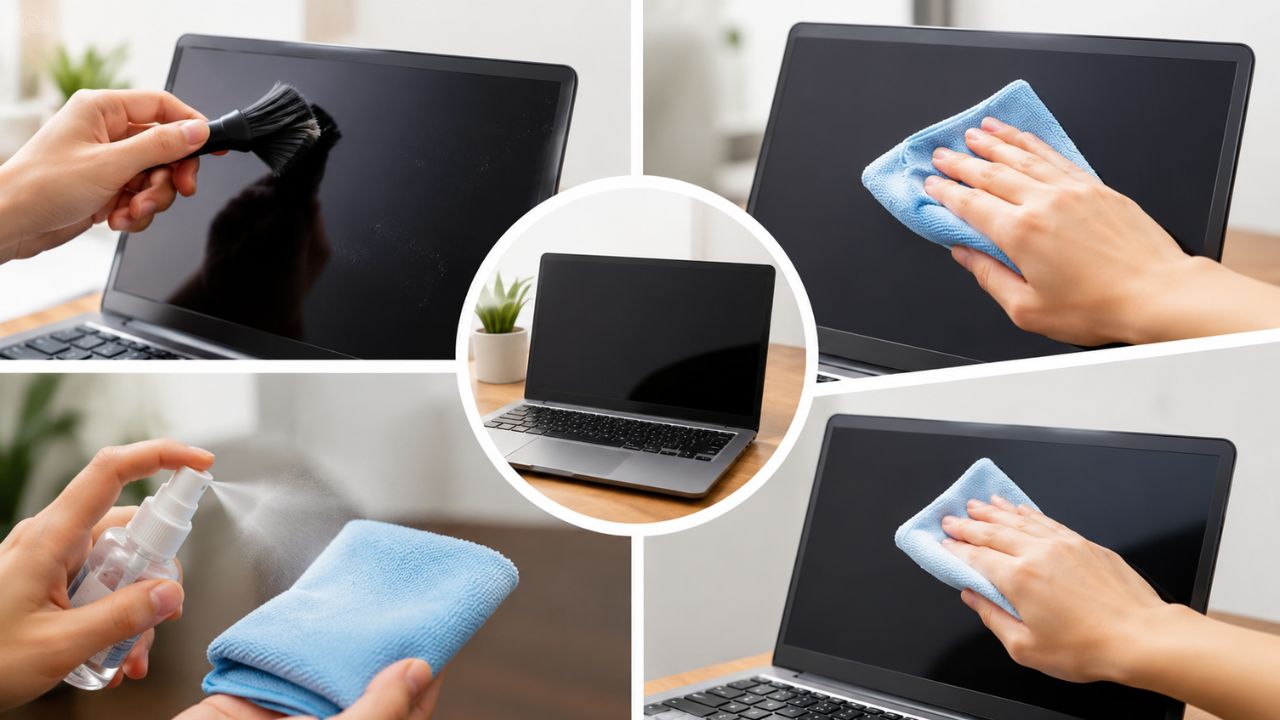
Before cleaning the screen, shut down the laptop and, if possible, remove the charger. Dust and stains are easily visible on a closed screen, which makes cleaning easier. Besides, the risk of damage to electronic parts is also less.
Use only microfiber cloth
Always choose a soft microfiber cloth to clean the screen. This cloth does not scratch the screen and removes dust easily. Using handkerchief, tissue paper or old cloth may damage the screen surface.
Read this also- Expired makeup is not useless, reuse it like this from craft to cleaning.
Do not spray liquid directly on the screen
Many people sprinkle glass cleaner or water directly on the screen, which can prove to be a big mistake. Liquid can enter through the edges of the screen and damage the display or other components. If necessary, clean the screen by applying a mild cleaning solution to a microfiber cloth.
Avoid cleaning with too much pressure
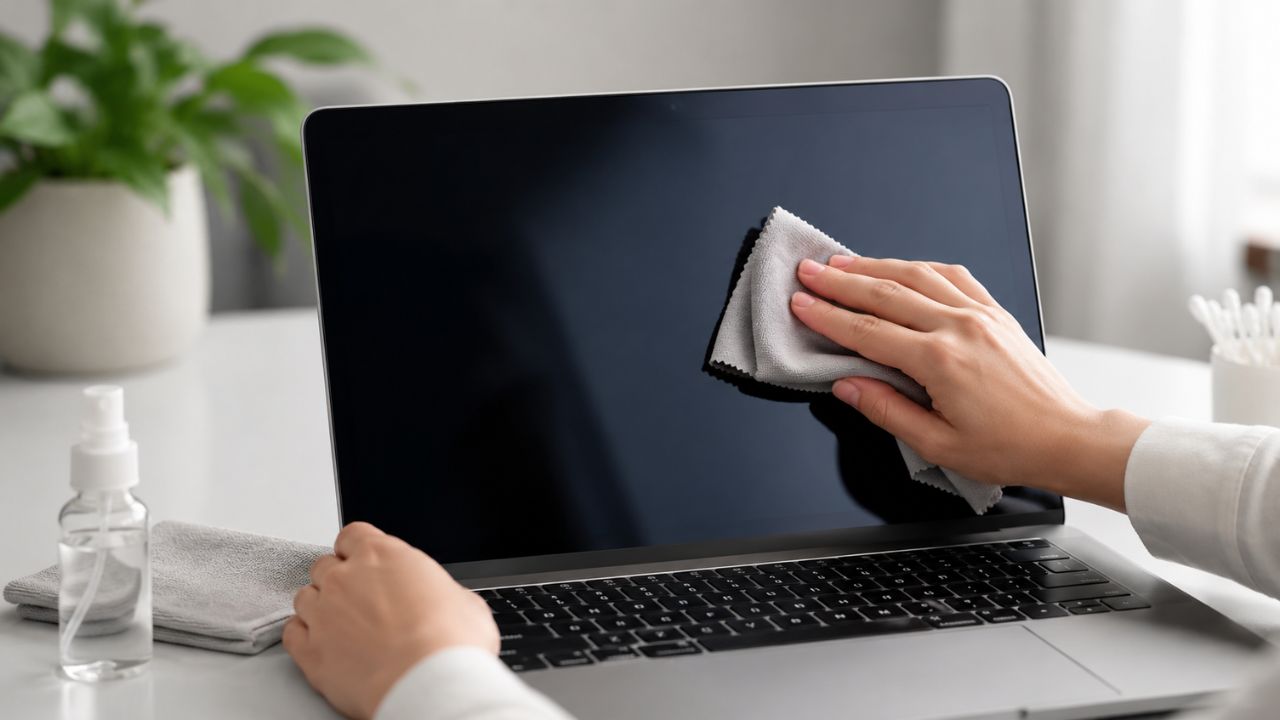
Even if a stubborn stain appears on the screen, it is not right to rub it vigorously. Clean with gentle circular movements. There is a risk of pixel damage or damage to the screen coating by applying excessive pressure.
Stay away from alcohol and harsh chemicals
Not every cleaner is safe for laptop screens. Products containing ammonia, bleach or harsh chemicals can damage the anti-glare coating of the screen. Use only screen-safe cleaning solutions.
Read this also- Looks small but is a sea of germs! 6 smart tips for laptop cleaning