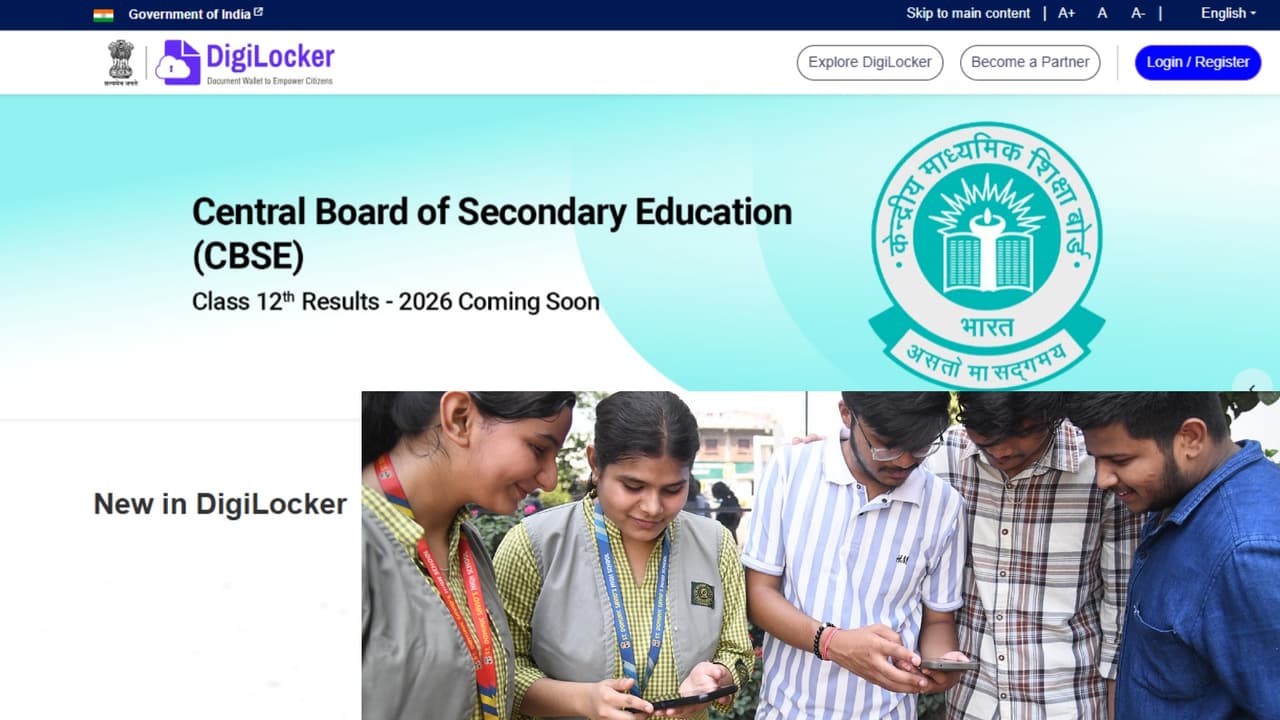
CBSE 12th Result 2026 DigiLocker Direct Link: CBSE 12th Result 2026 may be released soon. Before the result, DigiLocker has issued an important alert for the students. Know how to create DigiLocker account without APAAR ID, how to download digital marksheet and DigiLocker direct link to download 12th Result 2026 marksheet.
CBSE 12th Result 2026 DigiLocker Direct Link, Account Setup Process: The Central Board of Secondary Education is expected to declare the results of 12th board exam 2026 soon. Before the release of the result, DigiLocker has issued important advisory for the students. The platform has clearly said that students should activate their DigiLocker account from now on so that the digital marksheet can be downloaded without any delay as soon as the result is released.
CBSE 12th Result 2026 DigiLocker Direct Link
How many students have given CBSE 12th Board Exam 2026
This year more than 18 lakh students are waiting for CBSE Class 12 Result 2026. In such a situation, it is considered very important to prepare in advance on DigiLocker to avoid website slowness or login problems on the result day.
You can create DigiLocker account even if you do not have APAAR ID
Many students do not have APAAR ID available right now. For such students also, DigiLocker has shared an easy process, through which they can activate their account in a few minutes.
How to create DigiLocker account without APAAR ID
- First of all go to CBSE Services DigiLocker portal digilocker.gov.in.
- Click on Get Started option.
- Enter the access code provided by the school and required information.
- Verify mobile number through OTP.
- DigiLocker account will be activated once verification is completed.
- DigiLocker has advised students not to wait for the results to be released and keep their accounts ready in advance.
How to download CBSE 12th Result 2026 from DigiLocker?
After the release of the result, students will be able to easily download their digital marksheet through DigiLocker. For this you will have to follow the steps given below. Method to download marksheet from DigiLocker-
- Open the DigiLocker website or mobile app.
- Login with registered mobile number and security PIN.
- Go to the Issued Documents section.
- Select Central Board of Secondary Education (CBSE) there
- Click on Class XII Marksheet 2026.
- Fill the required information like roll number and school code.
- Download the digital marksheet.
Which documents will be available on DigiLocker?
CBSE makes many important documents available to students online through its digital academic repository Pariman Manjusha. All these documents will be accessible from DigiLocker.
Students will get these digital documents-
- marksheet-cum-certificate
- migration certificate
- Skill Certificate (wherever applicable)
- These digital documents are considered valid in college admission and further process.
Why is DigiLocker important for students on result day?
Every year, at the time of release of results, due to heavy traffic, many times technical problems are seen on the websites. In such a situation, DigiLocker emerges as the fastest and most reliable option for students. From here students can instantly get their digital marksheets and certificates, which can also be shared online anywhere. CBSE students are being advised to keep their login details, mobile number and school access code ready in advance so that they can download the marksheet without any hassle as soon as the result is released.