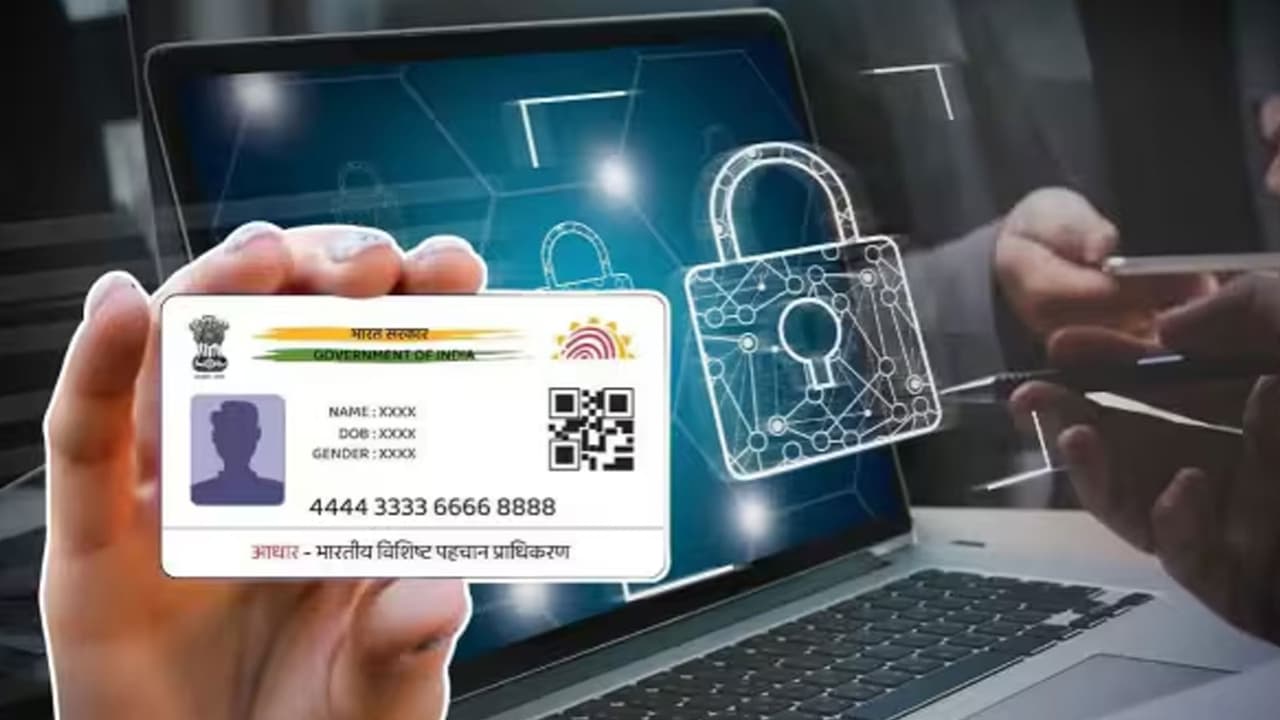
Getting error in Aadhaar download? Not getting OTP or not downloading e-Aadhaar? Know the 7 most common reasons and simple ways to fix the problem in 2 minutes.
Aadhaar Download Problem: If you are trying to download your Aadhaar card (e-Aadhaar Download), but you are getting repeated errors or the file is not downloading, then there is no need to panic. Presently a large number of people are using Aadhaar App and e-Aadhaar on mobile. In such a situation, many users have to face problems like download, OTP or login. In most cases the problem is very minor and can be fixed within a few minutes. If your Aadhaar is not downloading, then there could be 7 reasons, know how to fix them…
Mobile number is not linked to Aadhaar
This is the most common reason. While downloading e-Aadhaar, OTP comes on your registered mobile number. If the number is not linked or has changed, the download will not complete. In such a situation, if the mobile number has changed, then first update it in Aadhaar. After that download again.
OTP is not coming
Sometimes there is a delay in receiving OTP due to network. Sometimes DND or other message problems in mobile can also be the reason. In such a situation, wait for a few minutes, send OTP again, check the mobile network, turn airplane mode on-off and try again.
Aadhaar Number or VID entered wrong
In a hurry, many people fill the Aadhaar number or Virtual ID (VID) incorrectly. If even one digit is wrong then the download will not take place. In such a situation, double-check the number carefully and then start the process.
More traffic on website or app
Many times too many people start downloading Aadhaar simultaneously. In such a situation, the website or app may become slow for some time. In such a situation, try again after 10-15 minutes or download at another time.
Internet connection is weak
If the internet is getting disconnected frequently, the download may stop midway. You should use Wi-Fi or a good mobile network. With this your Aadhaar will be downloaded instantly.
Cache of phone or browser is full
Old cache and cookies also sometimes become a hindrance in download. Clear your browser cache. Use another browser. Update the Aadhaar app and try again.
PDF is not opening
Many people think that the download has not happened, whereas the file has been downloaded but is not able to open. Keep in mind that e-Aadhaar PDF is password protected, so there is no need to worry. The password is made by combining the first four capital letters of your name and year of birth (YYYY). For example- If name is RAHUL and year of birth is 1998, then password will be RAHA1998.
What to do if Aadhaar is still not downloading?
If Aadhaar is not downloading even after adopting all the methods mentioned above, then try again from the Aadhaar app or official website. If needed, you can also take help from the nearest Aadhaar Seva Kendra.
What tasks can be done with Aadhaar App?
- e-Aadhaar download
- change address
- View information related to mobile number
- email updates
- biometric lock or unlock
- Managing Aadhaar security settings
How many people have downloaded Aadhaar App?
According to the government, the Aadhaar app has been downloaded more than 4 crore times so far. Lakhs of people have updated their mobile number, address and email through the app. At the same time, biometric lock and unlock feature has also been used millions of times. This is the reason why now more people are using mobile apps instead of going to the center for small tasks related to Aadhaar.