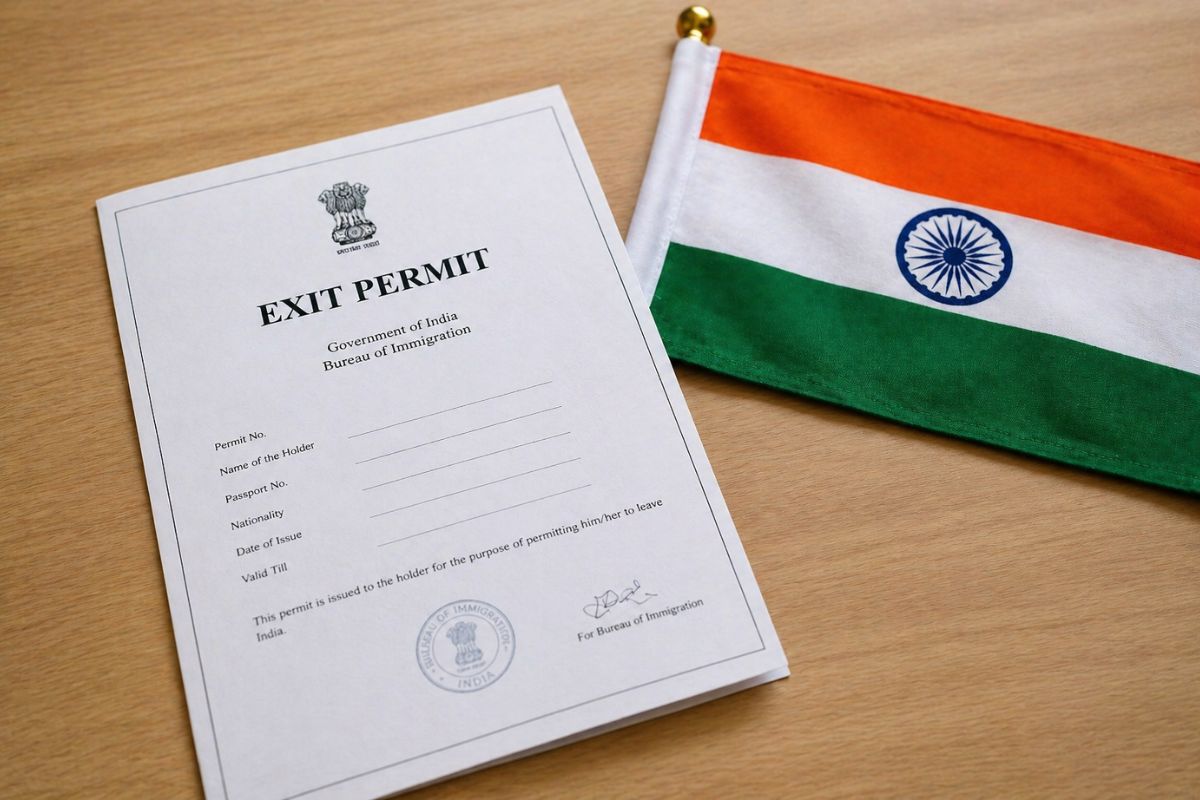
If you’re planning to leave India but your visa has expired, changed, or run into an issue, you may need something called an exit permit. It’s not as complicated as it sounds, but it does catch many travellers off guard.
Here’s a clear, no-nonsense guide to help you understand what it is, who needs it, and how to get one.
What Is an Exit Permit?
An exit permit is an official document issued by India’s immigration authorities. It allows a foreign national to legally leave the country when their visa status is not in order.
In simple terms, if your visa is no longer valid or doesn’t match your situation, you’ll need this permit before you can fly out.
Who Needs an Exit Permit?
Not every traveller needs one. But you will likely need an exit permit if:
- Your visa has expired, and you overstayed
- Your visa was cancelled or revoked
- You changed visa types but didn’t update your records properly
- You were on a long-term visa and are now leaving permanently
- You lost your passport and got a new one
- You are involved in any pending immigration or legal matter
If everything on your visa is valid and in order, you can leave India normally without this extra step.
Why This Matters
Airlines and immigration officers will check your documents before departure. If your visa status is unclear, you could be stopped at the airport. An exit permit solves that problem in advance. It confirms that you have permission to leave, even if your visa situation isn’t perfect.
How to Apply for an Exit Permit in India
The process is now fully online through the eFRRO portal. Here’s how it works:
Step 1: Go to the eFRRO Website
Visit the official eFRRO portal and ensure you are on the correct government site before starting your application process.
Step 2: Register or Log In
Create a new account using your email and mobile number, or log in securely if you already registered earlier.
Step 3: Choose ‘Exit Permit’
After logging in, navigate to the services menu and select the Exit Permit option to begin your application.
Step 4: Fill the Application Form
Carefully enter personal, passport, and visa details, and select the correct FRRO office based on your current location in India.
Step 5: Upload Documents
Upload clear scanned copies of your passport, visa, photograph, and supporting documents as per the requirements shown on the portal.
Step 6: Submit and Pay (If Required)
Submit your completed application, then check for any payment requests and pay the applicable fee online through available payment options.
Step 7: Wait for Approval
Track your application status online; once approved, download the exit permit from the portal or receive it via email.
Documents You’ll Need
Keep these ready before applying:
- Passport (current and old, if applicable)
- Visa copy
- Recent photograph
- Form III (if required)
- A short request letter explaining your situation
- Supporting documents related to your case
Make sure all files are clear and readable. Poor uploads can delay your application.
How Long Does It Take?
Processing times can vary. Some applications are cleared in a few days, while others may take longer, depending on your case. If your travel date is close, apply as early as possible to avoid last-minute stress.
Key Tips Before You Apply
- Double-check your details before submitting
- Use the correct FRRO jurisdiction
- Keep a copy of all documents
- Monitor your email for updates or queries
- Don’t wait until the last moment
Final Thoughts
Getting an exit permit in India is mostly straightforward if you follow the steps carefully. The key is to act early and provide clear information.
If your visa situation isn’t perfect, don’t panic. This process exists exactly for that reason, to help you leave the country legally and without trouble.
For travellers, it’s one of those things you hope you never need. But if you do, now you know exactly how to handle it.
Follow and connect with us on Facebook, Twitter, LinkedIn, Instagram and Google News for the latest travel news and updates!