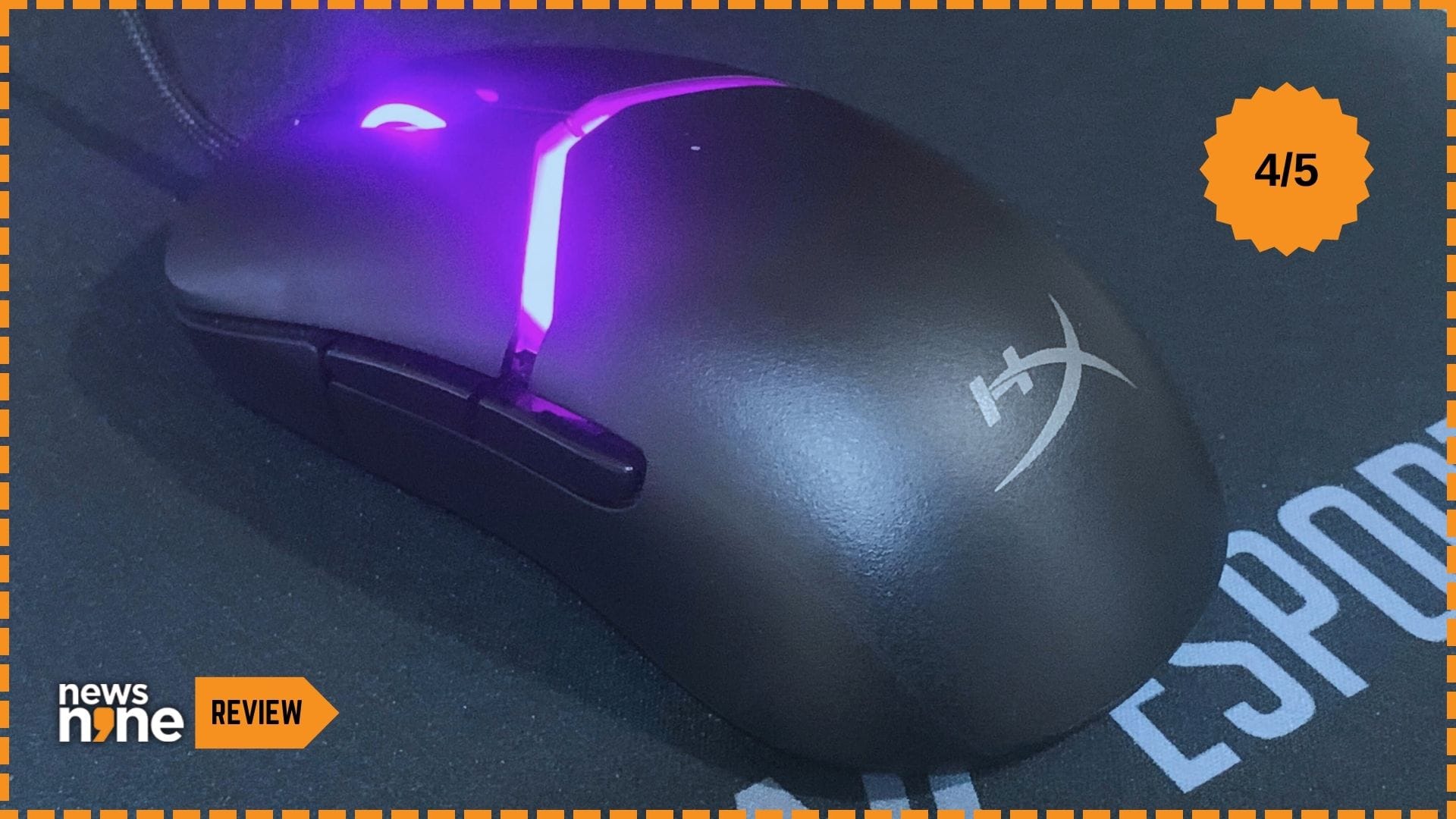
New Delhi: The HyperX Pulsefire Saga was announced at CES 2025. This is a gaming mouse by HyperX, the gaming peripherals division of HP. HyperX was originally the gaming brand of Kingston Technology that was acquired by HP. The brand now has decades of expertise in high-performance components for gamers and enthusiasts. Pulsefire is a long-running series of gaming mice by HyperX, that has evolved since its early models to cater to a wide range of players and gaming styles. The Saga is a part of this lineup, and is aimed at gamers seeking an adaptable, customisable gaming mouse from casual players to competitive gaming.
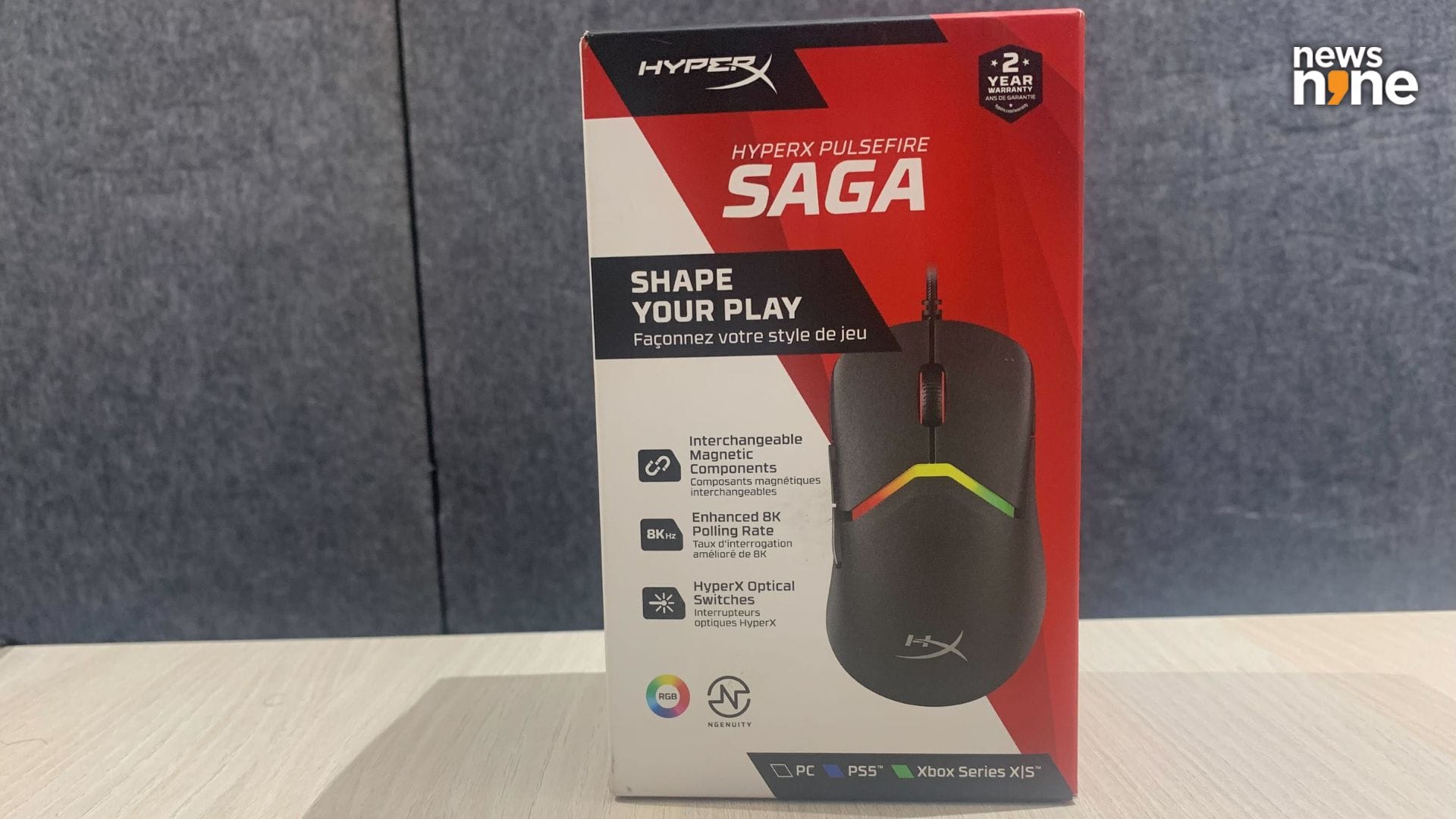
The mouse ships in a fairly compact box. (Image Credit: Aditya Madanapalle/News9).
The mouse ships in a small box, with everything packed in tight. One of the main features of the mouse is that the primary buttons, the pair of side buttons and the back shell all can be easily removed, and attach to the body magnetically. In the box, there is an extra button cover, an extra shell, and an extra pair of side buttons. The idea here is that tinkerers and makers can 3D print all of these parts by themselves, using metallic screws for the magnetic attachments, to totally customise the look and feel of the mouse, from the grip to the buttons. HyperX has also hosted a 3D printing portal for this purpose, with open-source models on Printables. So HyperX’s claim that the Pulsefire Saga is their most customisable gaming mouse is totally valid.
Build and Design
The first thing we did was pick out the components from in the box according to our preference. The interchangeable components can be mixed and matched, providing 16 permutations and combinations out of the box, without 3D printing any custom parts. One of the shells was slightly bulkier at the base, the pair of side buttons had a tapering, slimmer profile, while one of the button covers has depressed edges to more comfortably and ergonomically seat the fingers, while the other is smooth. These are all minute differences, apart from the mouse buttons part, with the differences barely noticeable to the eyes, but apparent to the touch when used.
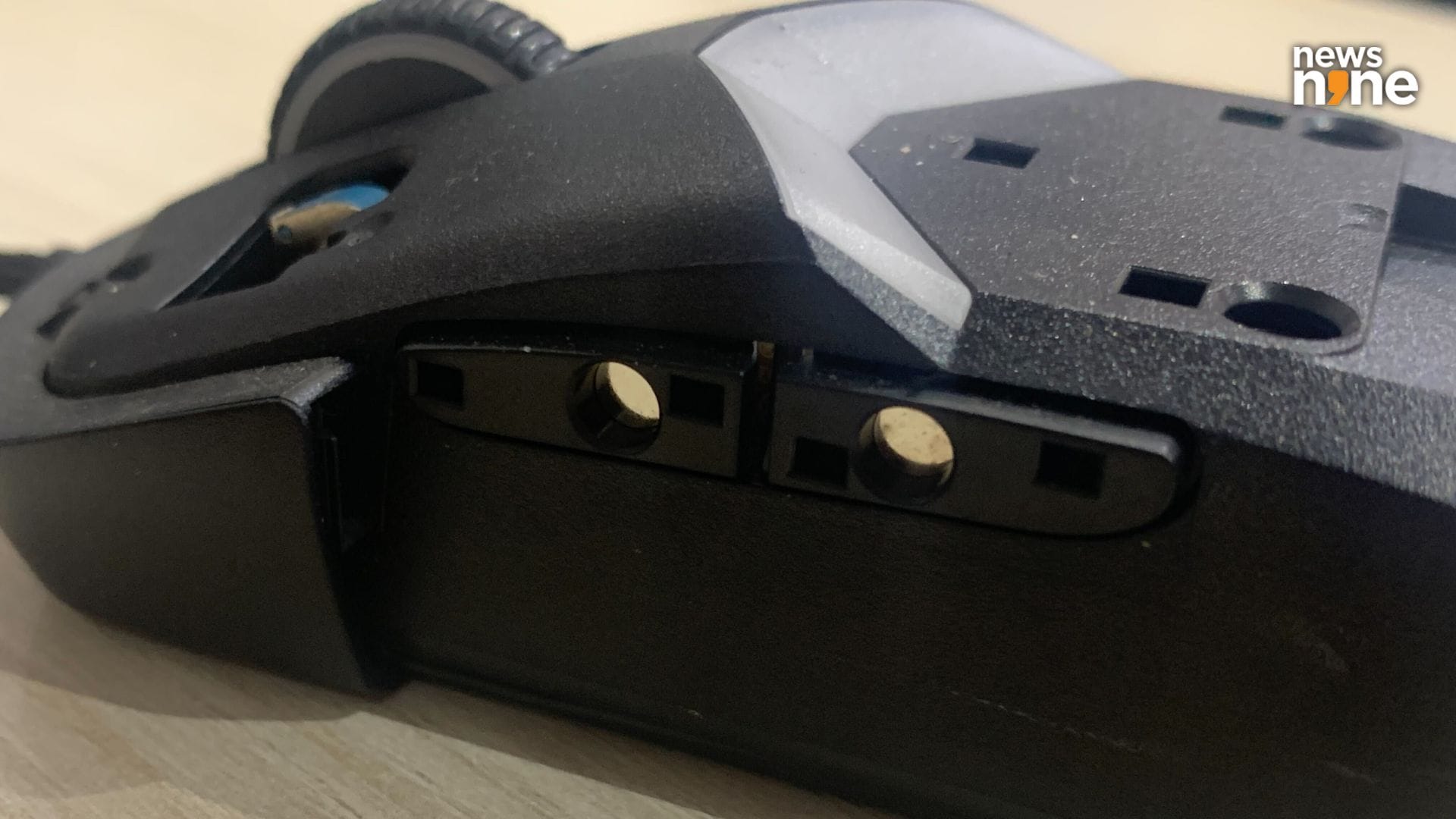
The naked platform with all the snap-on parts removed. (Image Credit: Aditya Madanapalle/News9).
We used the ergonomic mouse buttons and the slimmer casing. The mouse is comfortable enough for the claw and palm grips, but not so much for a fingertip grip. The hump of the mouse is about four cm high, and is bound to catch some portion of the palms. This is a light mouse, just 69 grams. The modular design stands out for its innovation, and the device has a solid overall construction. The Pulsefire Saga is crafted from high-quality plastic with a matte black finish, with glossy side buttons. This is a mouse for right-handed people, which is apparent from the ergonomics.
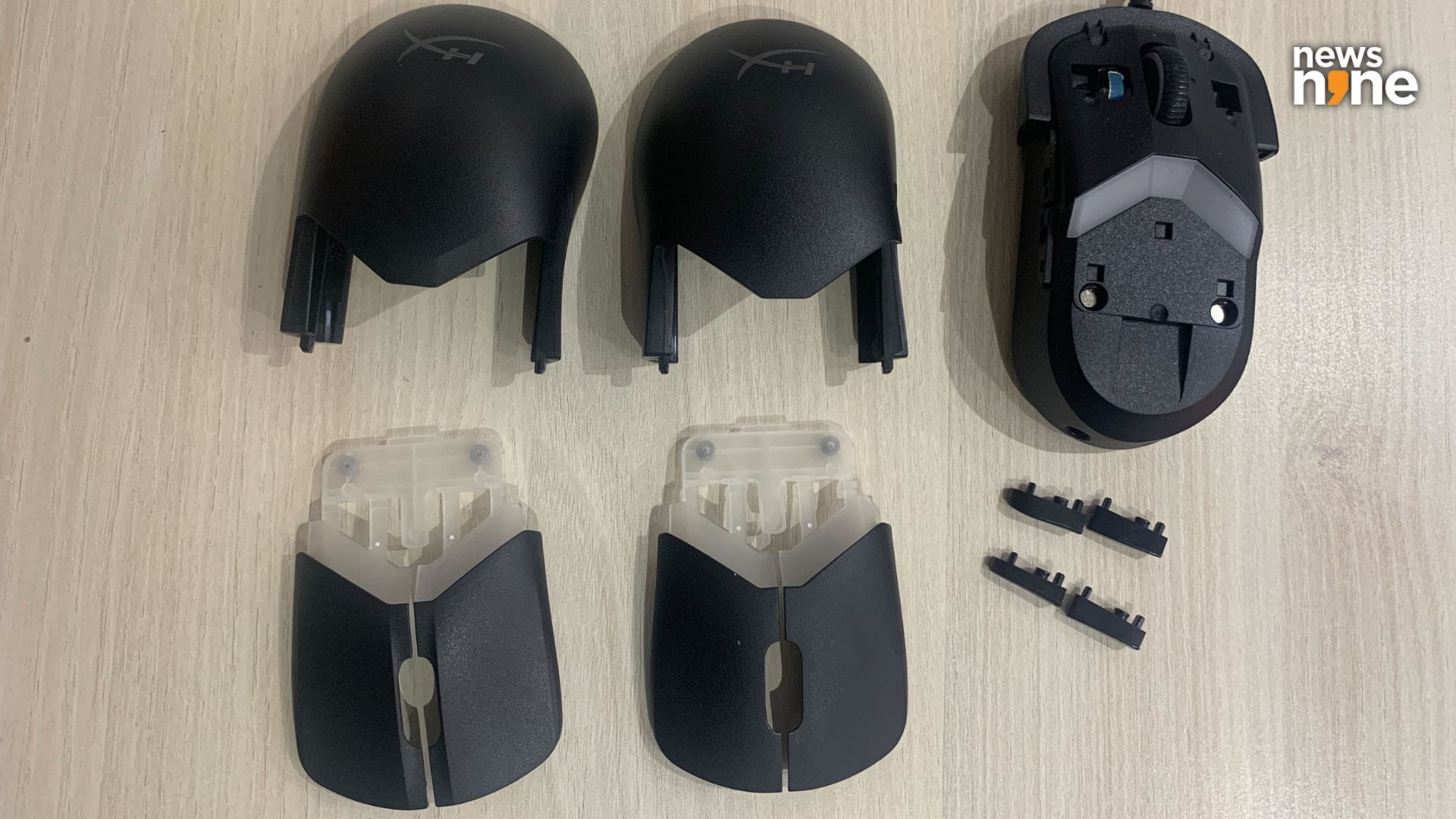
The spare parts that ship in the box. (Image Credit: Aditya Madanapalle/News9).
What is surprising for a modular mouse is that all the parts work nominally, even when they are swapped frequently, which we experimented with to reach a comfortable configuration. The magnetic connectors are sturdy and precise, with the components staying firmly in place during regular use. However, we did see the casing slide out easily on a couple of occasions, both times when retrieving the mouse from the bag. The mouse remained in the bag, while the case was in our hands. This is not a major problem though, and the case does not slide out during regular use. In all, we found no shortcomings with the build quality of this mouse,
Performance
The mouse is compatible with PC, Xbox series X/S and the PlayStation 5. The mouse uses the tried-and-tested HyperX 26K Sensor, supporting a top tracking speed of 650 IPS. The Pulsefire Saga has a polling rate of 8k, which is actually more than the wireless Pulsefire Saga Pro, that offers a maximum polling rate of 4k. Now, there are four DPI settings, 400, 800, 1600 and 3200, that can be set either through a button on the bottom that cycles through the modes, or through the Ngenuity software. Here we feel that a dedicated button to change the DPI below the scroll wheel or a third button on the side is a better option, as there are some use cases where you might need to change the DPI quickly, and on the fly.
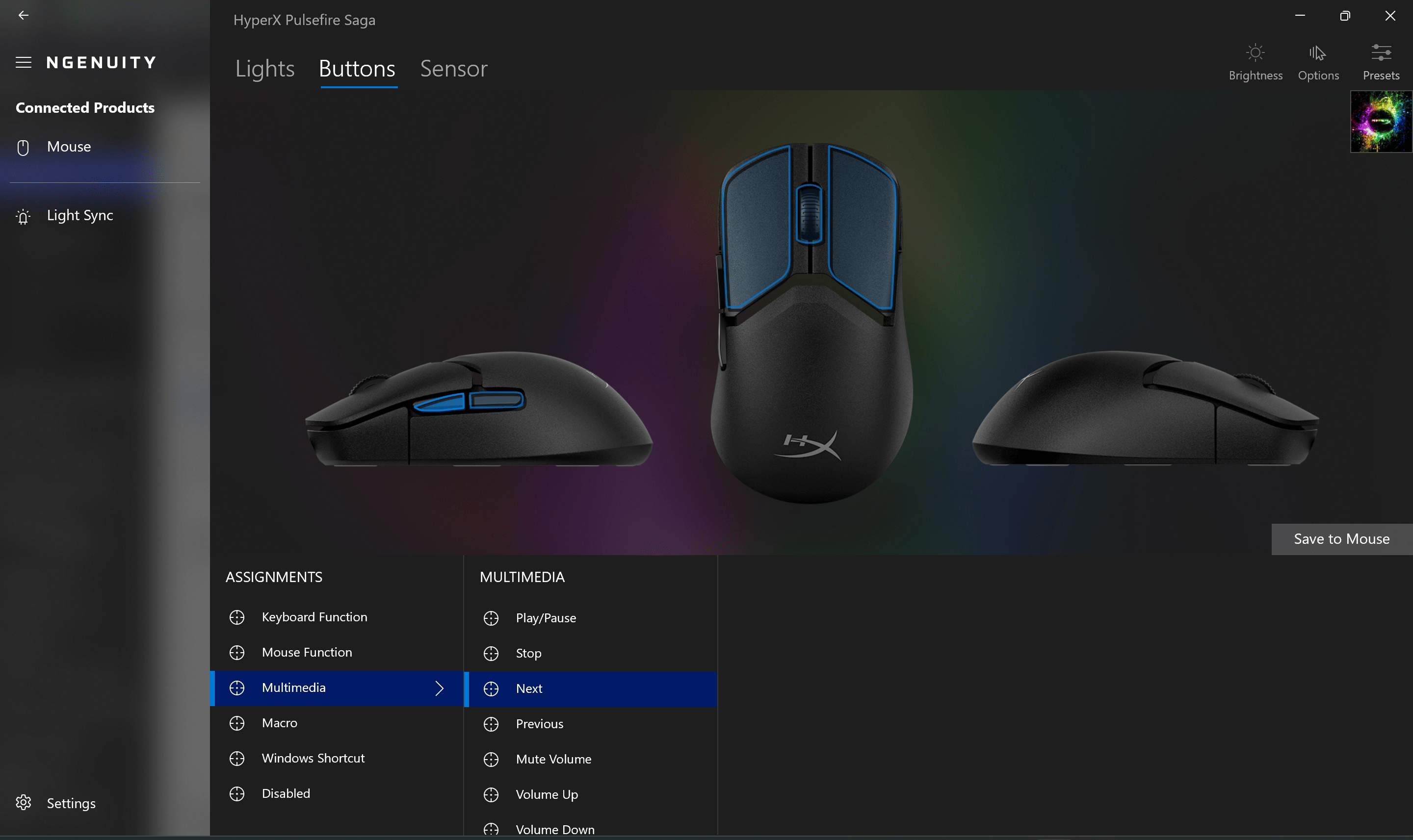
The Ngenuity softare allows you to customise the buttons, the lighting and fine tune the mouse. (Image Credit: News9).
We tested the mouse with Doom: The Dark Ages, Warhammer 40,000: Space Marine 2 and our all-time-favourite, Warframe. The Pulsefire Saga provides smooth, consistent tracking with no noticeable skipping or stuttering on a range of desktop materials and mousepads. When using on cloth, on a bed, we found that the mouse struggled just a little bit, which is not uncommon for the challenging surface. When the polling rate is set to max using the Ngenuity software, the cursor movement becomes exceptionally responsive, with a significant reduction in input delay. Note that the high polling rate can stress the CPUs on older systems. These settings can give gamers an edge in fast-paced scenarios. The paracord cable is flexible, does not knot up, and allows for smooth movement, allowing the mouse to glide effortlessly across generous mousepads.
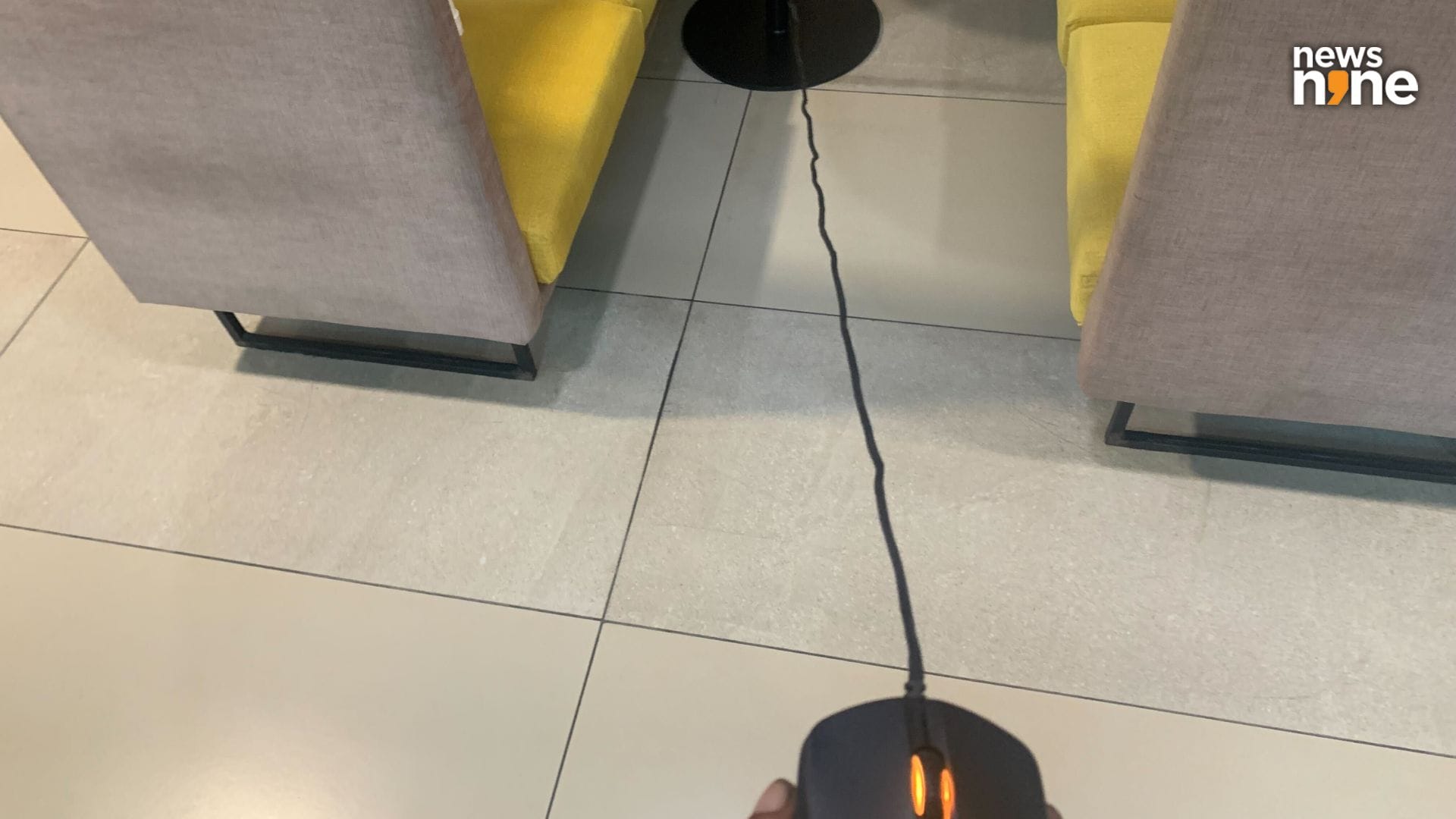
The cable is nearly long enough to be used as a skipping rope. For desktop setups, this leaves a generous amount of additional length for flexibility. (Image Credit: Aditya Madanapalle/News9).
One thing we really need to talk about is the HyperX optical switches on the primary buttons. These deliver a haptic feedback, despite the mechanical switches being ditched entirely. What this means is that the performance of the mouse does not get funky over time, as there are no mechanical switches to degrade. A LED continuously emits light towards a photosensor. The button presses block the photosensor, triggering an instant response, in about 0.2 ms compared to the 5-10 ms on mechanical switches, which can be a significant edge in competitive scenarios, where split-second reactions determine outcomes. These optical switches are also more durable and long-lasting than mechanical switches.
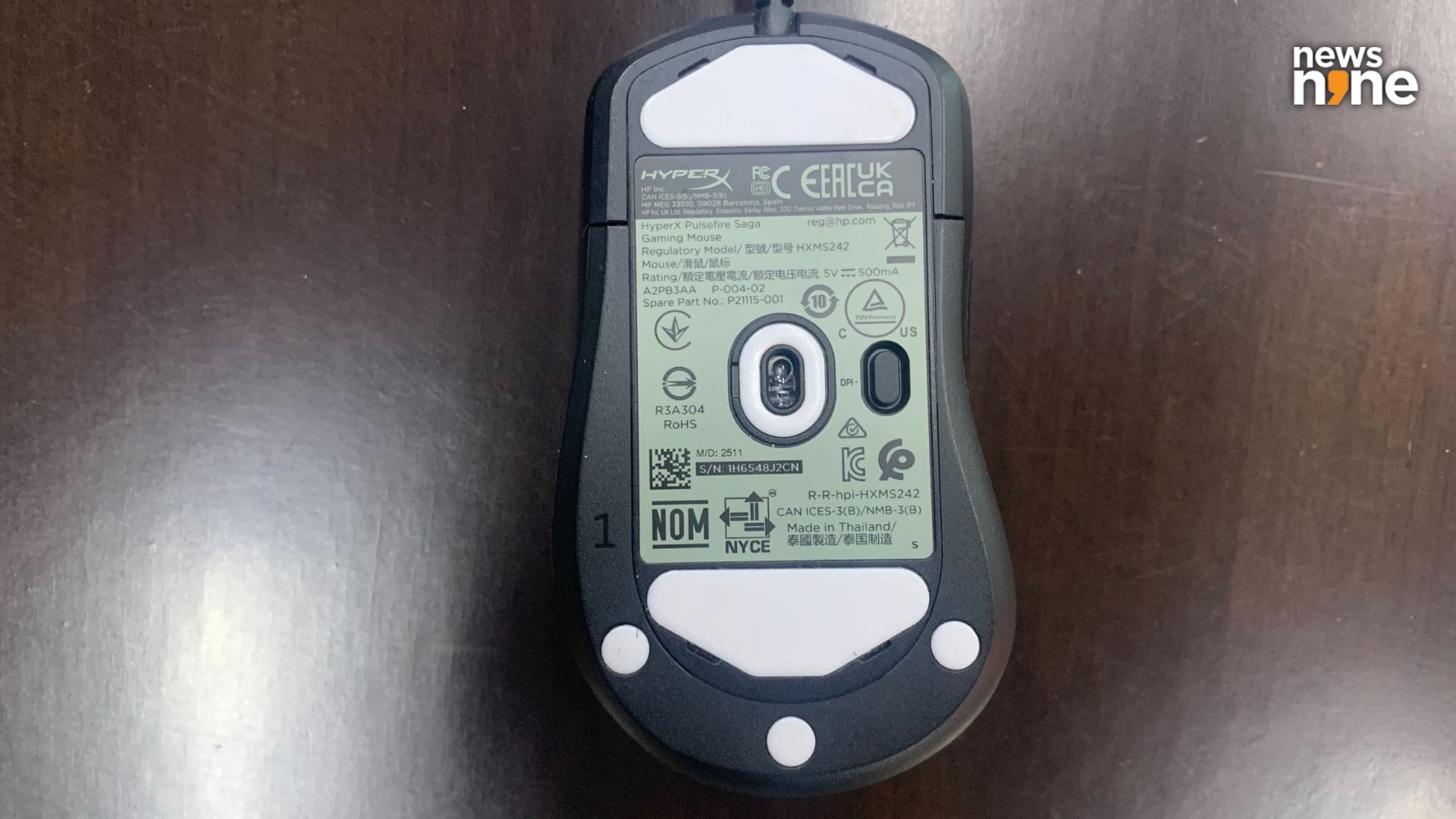
The mouse glides smoothly and effortlessly across most surfaces. (Image Credit: Aditya Madanapalle/News9).
The Ngenuity software is pretty simple to use, but for some reason is a 415 MB download, which we feel is a bit much for a software to control the mouse. The DPI settings can be changed here, along with the lighting effects on the scroll wheel and the space between the mouse buttons and the palm grip. The DPI settings can also be changed here, with the ability to modify the settings for each of the levels. The DPI can be set all the way up to 26000 if needed. Once these levels are set, the button can then be used to switch between the modes. Once all the settings are tweaked, they can be downloaded onto the mouse as a profile. There is no way to turn the lighting off, but reducing the brightness to 0 has the desired effect. The Pulsefire Saga supports one profile at a time. This software goes a long way in fine-tuning the mouse according to requirements.
Verdict
The Pulsefire Saga offers flagship-level responsiveness and precision in a modular and lightweight form factor. The combination of optical switches, high polling rate, and the proven sensor makes it a technically competitive yet affordable choice for FPS enthusiasts. The HyperX Pulsefire Saga stops short of being a flagship-level pro gaming mouse because of the slightly older sensor, and the weight penalty introduced by the modularity, with lighter models available in the market including the Razer Viper V3 Pro and the Logitech G Pro X Superlight 2. Both of these options are much more expensive than the Pulsefire Saga though. The optical sensor trails behind newer sensors that can go up to 35K DPI. Even in the same price range, there are gaming mice available on the market that are lighter, pack in more modern sensors, and are cheaper, so buyers will be paying a premium for the modularity.
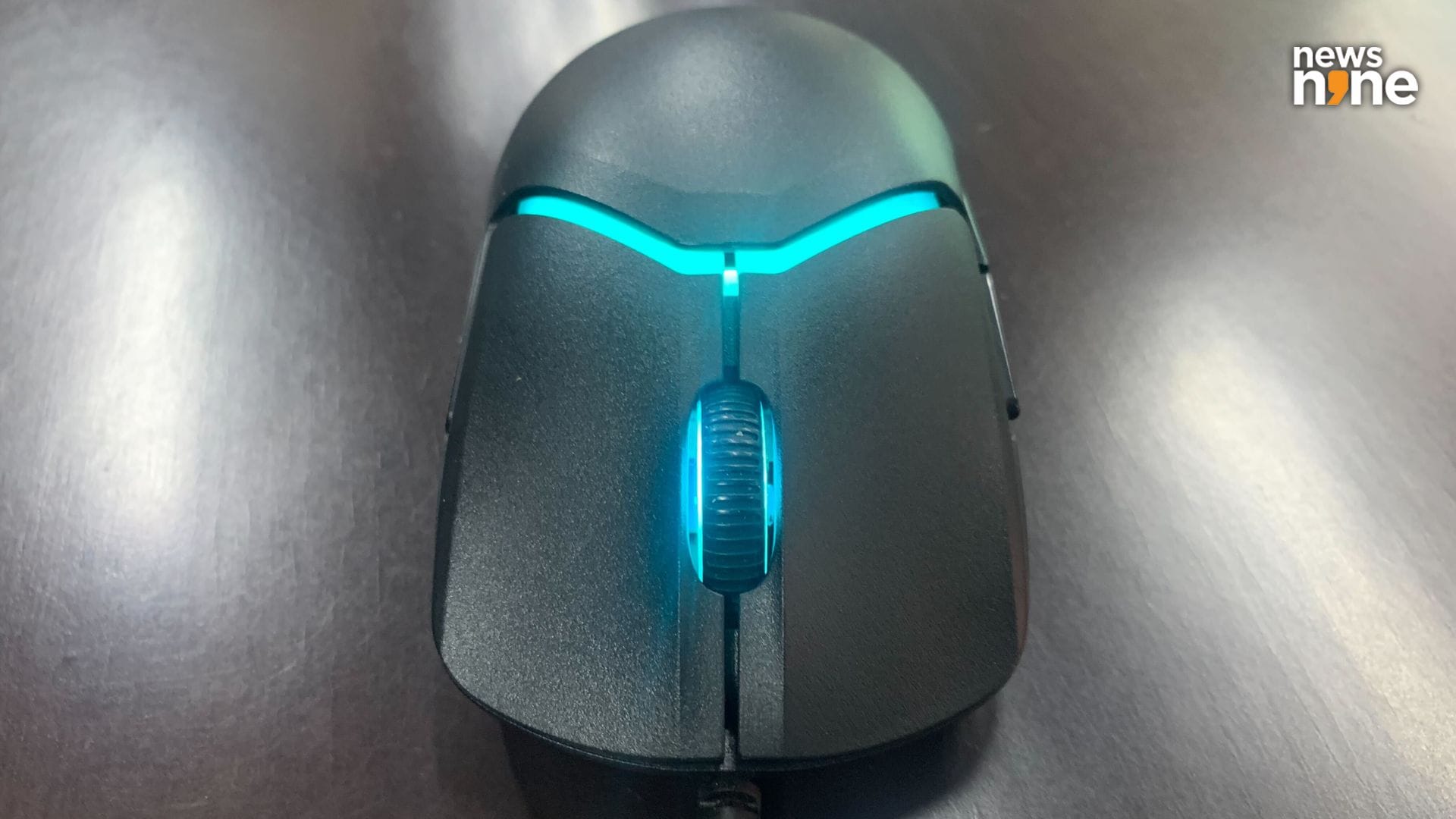
We really enjoyed using the mouse, and the wire was a strong point for us, as we do not have to worry about batteries any more. (Image Credit: Aditya Madanapalle/News9).
3D printing services are fairly common now, and those picking up this mouse can easily order parts to customise the device further. If you own a 3D printer yourself, then the HyperX Pulsefire Saga provides a great platform to experiment on. We imagine some gamer who is not satisfied with the grips of mice available in the market, or has very specific requirements, can use the modularity of the device to the fullest. The most important feature of the mouse is that the grip and buttons can be customised through 3D printing. Apart from the modularity, the mouse is reliable, and rock solid. Not too noisy, for late night use, and works nominally across a variety of surfaces. Right now, the HyperX Pulsefire Saga is available for Rs 3,990 on Amazon, which is a steal considering the capabilities of the mouse.