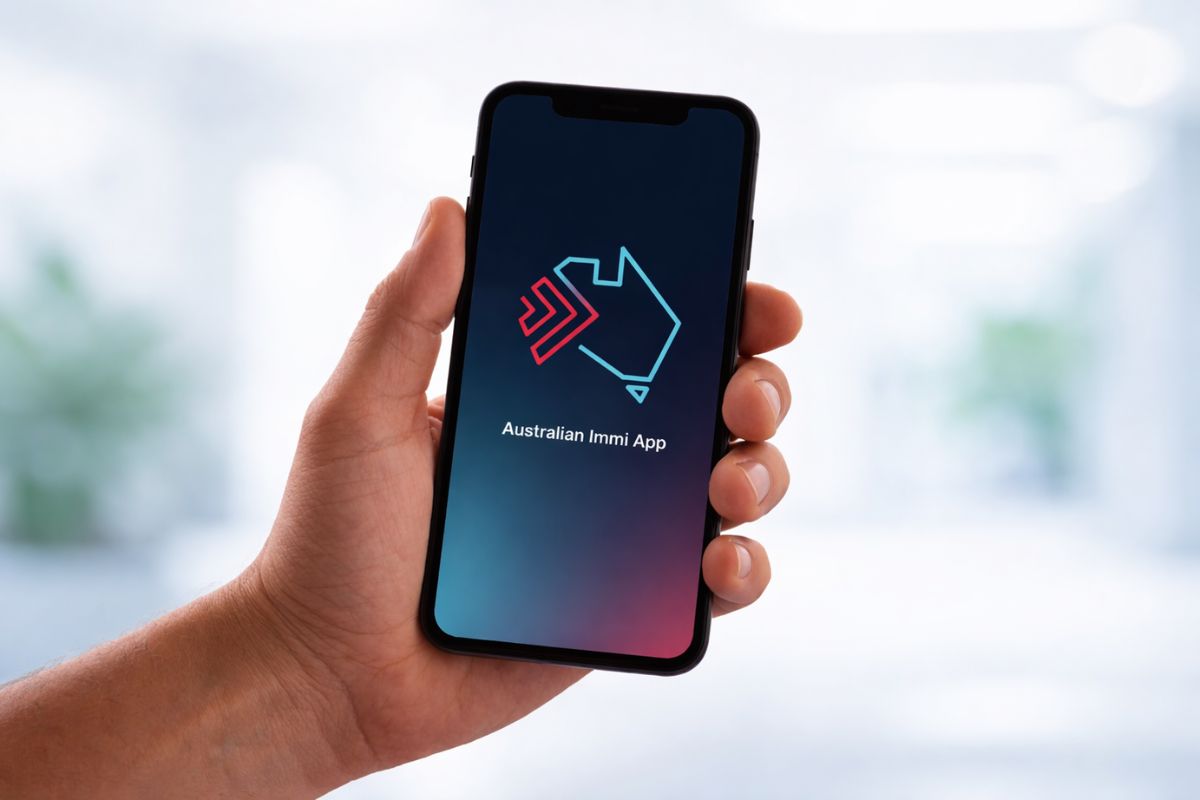
Australia is quietly changing how visa applicants submit biometrics. Instead of visiting a visa centre, many travellers can now complete the process on their phone using the Australian Immi App.
The Department of Home Affairs has expanded access to the app to 47 countries, adding 13 more locations in the latest rollout. Authorities say the remaining countries in the biometric program are expected to be added in early 2026, moving the system closer to a fully digital process.
What is the Australian Immi App?
The Australian Immi App is a free mobile application launched by the Department of Home Affairs to simplify visa applications that require biometrics. Instead of booking an appointment at a biometric collection centre, eligible applicants can now:
- Scan their passport
- Take a selfie for facial biometrics
- Submit identity details securely
- Complete the biometric step from home
The goal is simple. Reduce paperwork, save time, and remove the need for in-person visits.
The app was first introduced on October 2, 2024, for applicants in Fiji, Samoa, Tonga, Papua New Guinea, and New Zealand. Since then, Australia has gradually expanded access worldwide.
Expansion Timeline: From 5 Countries to 47 Countries
The rollout has happened in phases:
- October 2024: App launched in 5 Pacific countries
- December 2025: Expanded to 34 countries
- 2026 update: Access increased to 47 countries
- Early 2026: Full rollout expected to cover all biometric countries
This steady expansion shows Australia’s move towards a more digital immigration system.
Full List of 47 Countries Eligible for the Australian Immi App
Eligible applicants in the following countries can use the app if invited by the Department of Home Affairs:
- Albania
- Algeria
- Bahrain
- Bhutan
- Bosnia and Herzegovina
- Cambodia
- Colombia
- Egypt
- Ethiopia
- Eswatini
- Fiji
- France
- Ghana
- Greece
- Hong Kong
- Iran
- Iraq
- Jordan
- Kuwait
- Lebanon
- Lesotho
- Malaysia
- Mexico
- Nepal
- New Zealand (third-country nationals)
- Oman
- Pakistan
- Papua New Guinea
- Peru
- Philippines
- Qatar
- Samoa
- Saudi Arabia
- Singapore
- Solomon Islands
- Somalia (third-country nationals)
- South Africa
- South Korea
- Sri Lanka
- Thailand
- Tonga
- Türkiye
- Tuvalu
- Uganda
- United Arab Emirates
- Vanuatu
- Zimbabwe
More countries are expected to be added soon.
How Biometric Collection Works Through the Australian Immi App
The process is designed to be simple and takes only a few minutes.
Step 1: Enter Visa Lodgement Number (VLN)
Applicants enter the VLN from the biometric request letter. The number usually begins with AUI. The VLN can be added in two ways:
- Scan the barcode on the letter
- Enter the number manually
Each applicant, including family members, will have a separate VLN.
Step 2: Scan Passport Data Page and Chip
The app scans the passport photo page and reads the electronic chip using NFC technology. Applicants must:
- Open the passport to the personal details page
- Hold the phone over the passport
- Avoid glare or shadows
- Ensure the full page is visible
If the passport contains a chip, the phone reads the chip by placing the device on the passport cover. The app confirms once the scan is successful.
Step 3: Confirm Passport Details
After scanning, passport details appear on the screen. Applicants must review the information and confirm it matches their passport. If incorrect, the passport must be scanned again.
Step 4: Take a Facial Biometric Photo
Applicants must take a selfie following the on-screen instructions. Helpful tips include:
- Stand in front of a plain, light-coloured wall
- Look directly at the camera
- Keep eyes open and visible
- Remove glasses if possible
- Avoid shadows on the face
- Ensure no other people appear in the photo
The app automatically captures the photo once the face is correctly positioned.
Step 5: Submit Identity Check
After completing all steps, the app securely sends passport details and facial biometrics to the Department of Home Affairs.
The app does not store personal data after submission. Applicants may also choose to receive email confirmation. ImmiAccount is usually updated within 24 hours.
Key Benefits for Travellers
The app removes one of the most time-consuming steps in the visa process.
Major advantages include:
- No need to visit biometric collection centres
- Faster processing of visa applications
- Free to use
- Simple step-by-step instructions
- Secure identity verification
- Useful for travellers living far from visa centres
For many applicants, this can save both travel costs and waiting time.
Who Can Use the Australian Immi App?
Currently, the app is mainly available to applicants who:
- Previously provided biometrics at an Australian collection centre, or
- Receive an official invitation to use the digital process
Eligibility may depend on visa type and country of application.
What This Means for Future Australia Visa Applications
Australia is clearly moving towards digital identity verification. Similar systems are already used in airport eGates and mobile passport control in several countries.
Once the global rollout is complete, most visa applicants may no longer need to visit physical biometric centres at all.
For travellers, students, and skilled workers, this could make the visa process quicker and less stressful.
Follow and connect with us on Facebook, Twitter, LinkedIn, Instagram and Google News for the latest travel news and updates!